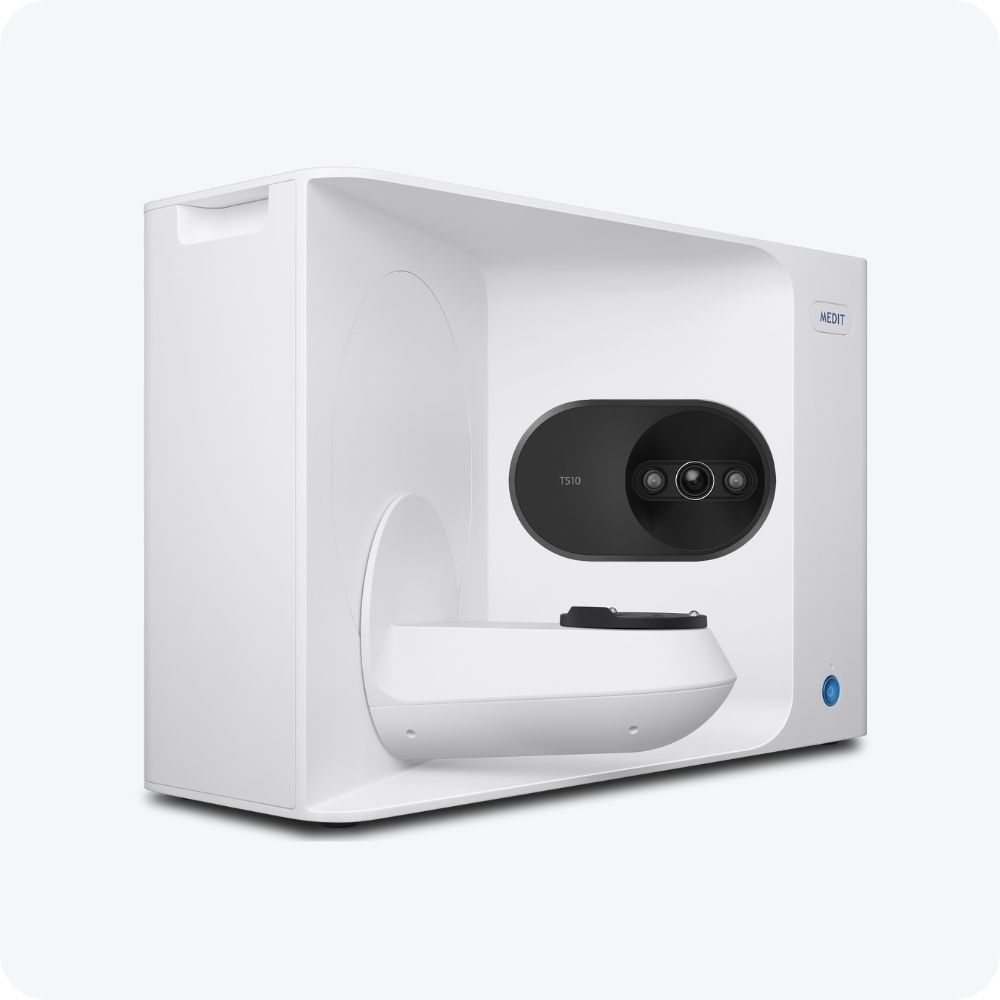
Medit T 510 3D Scanner
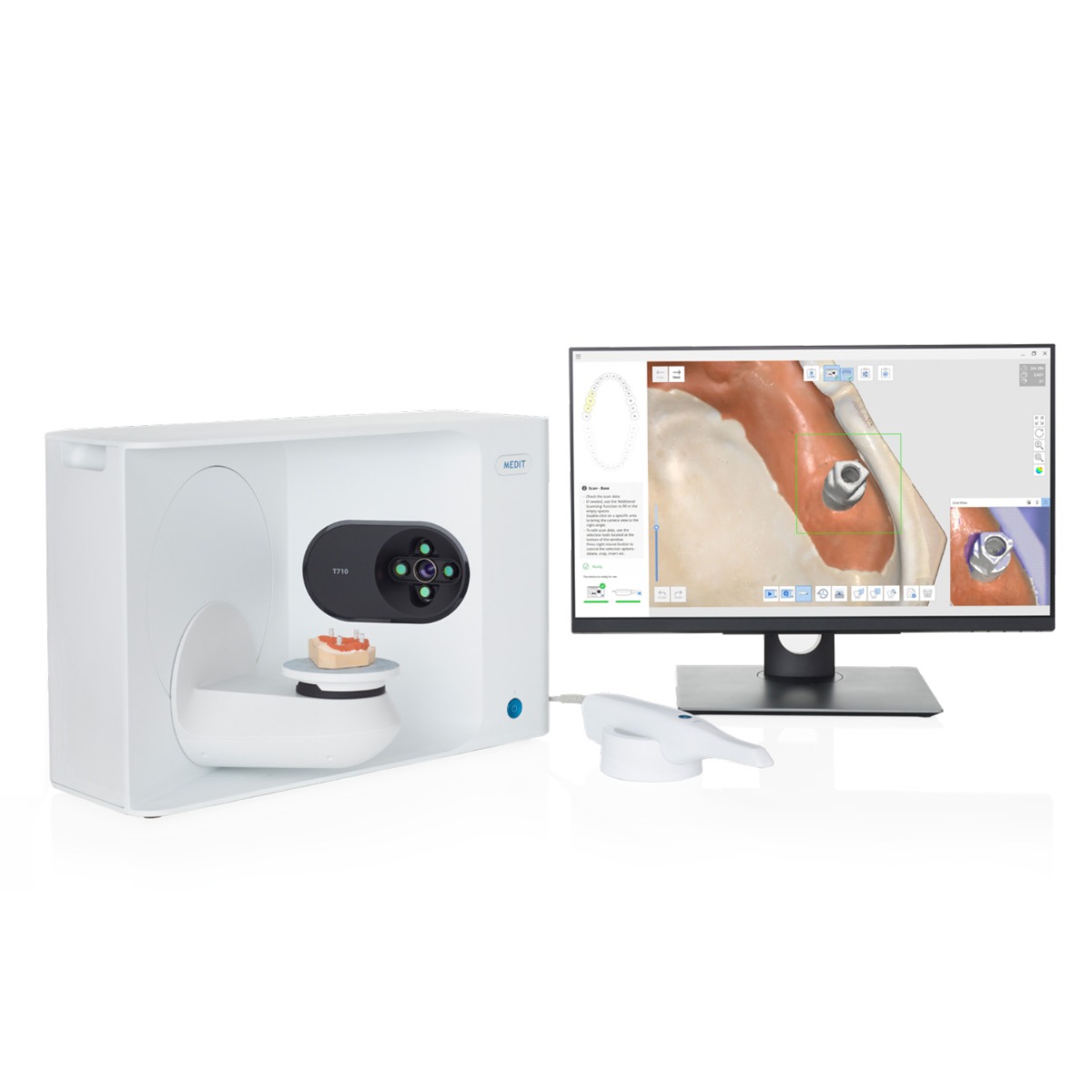
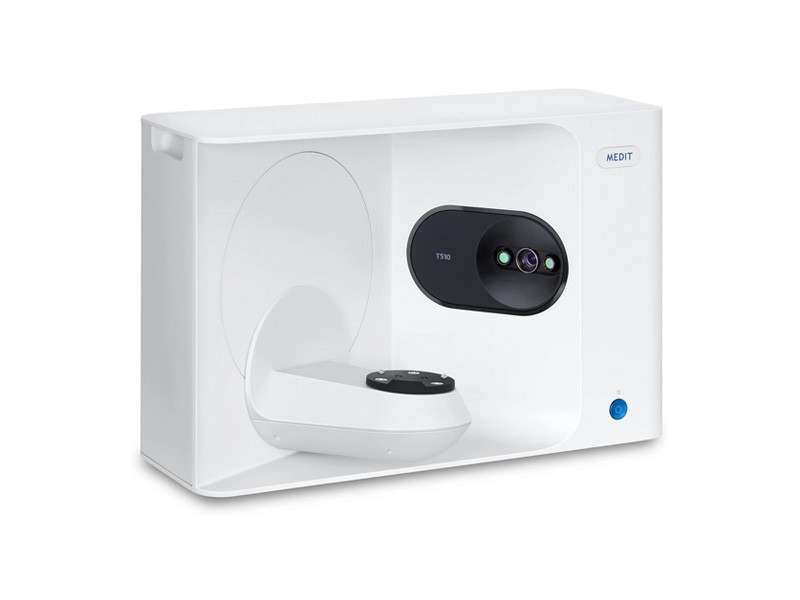
The Medit T510 3D Scanner offers fast, high-resolution dental scanning with auto-elevation, an open system, and no blind spots.
Enter pincode to verify fast clinic delivery & dispatch speed.
Key Highlights
Description
The Medit T510 3D scanner represents a remarkable leap forward in dental scanning technology, boasting a sleek and sophisticated design that merges style with outstanding functionality. This innovative dental lab scanner offers a multitude of features that make it the go-to choice for dental professionals and laboratories.
One of its standout features is its superfast scanning capability. With top-tier hardware and optimized software, the T510 can perform a full-arch scan in just 8 seconds, making it the fastest dental lab scanner on the market. The T510 achieves this speed thanks to its advanced high-speed positioning system, effectively turbocharging your workflow and increasing productivity.
The scanner is equipped with four high-resolution 5.0MP cameras, ensuring unparalleled accuracy and detailed scan data. These cameras, combined with blue-light scanning technology, leave no blind spots in your scans, guaranteeing precise models and impressions. To adhere to international standards, including ISO 12836 and ANSI/ADA standard No. 132, the T-Series maintains an incredible 4-micron accuracy, vital for CAD/CAM dental work like bridges, implants, and bars.
The open system of the T510 allows for seamless import and export of files in STL format, facilitating compatibility with various software applications. Additionally, the T510 boasts a wider scan area, eliminating blind spots, and enabling you to scan multiple objects simultaneously, thanks to its flexible multi-die scanning functionality.
The T510’s auto-elevation feature takes the guesswork out of scanning height, while accommodating full-size articulator scanning to reproduce precise occlusion orientation. Its compact size and USB 3.0 B Type connection make it a convenient addition to your dental laboratory setup.
Key Features
- Superfast 8-second full-arch scanning
- High-resolution 5.0MP cameras for detailed scans
- Auto-elevation for easy and precise positioning
- 4-micron accuracy (ISO 12836)
- Open system for file import/export (STL)
- Flexible multi-die scanning for efficiency
- No blind spots, thanks to 4-camera setup
Specifications
- Resolution of camera: Mono 5.0(MP) x 2
- Point Spacing: 0.040mm
- Scan area: 100mm x 73mm x 60mm
- Scan principle: Phase-shifiting optical triangulation
- Size: 505mm x 271mm x 340mm
- Light source: LED, 150 ANSI – lumens, Blue LED
- Connection: USB 3.0 B Type
- Power: AC 100-240V, 50-60 Hz
- Accuracy (ISO 12836): 7µm
- Full arch scan speed: 12 sec (7cut)
Packaging
- 1 x T 510 3D Scanner
Directions for Use
Set Up the Scanner:
- Ensure the scanner is placed on a stable surface with sufficient room for the scanning process.
- Connect the scanner to a power source using the provided AC adapter (AC 100-240V, 50-60 Hz) and connect it to your computer via the USB 3.0 B Type connection.
Power On:
- Turn on the scanner using the power button or switch provided.
Calibration:
- Before you begin scanning, it’s essential to calibrate the scanner. Follow the calibration instructions provided in the user manual.
Prepare the Model or Object:
- Ensure the model or object you want to scan is clean and positioned correctly for scanning.
Software Setup:
- Launch the scanner software on your computer. Follow the on-screen instructions to configure settings, such as scanning speed, resolution, and scan area.
Position the Scanner:
- Place the scanner in close proximity to the object you wish to scan. Ensure the scanner has an unobstructed view of the object.
Auto-Elevation (Optional):
- If using the auto-elevation feature, select it in the software. The scanner will automatically adjust its height for the scanning process.
Start Scanning:
- Click the “Start Scan” or similar button in the software to initiate the scanning process.
- Keep the scanner steady during scanning to ensure accurate results.
Monitor the Scan:
- Observe the scanning progress on your computer screen. The software will display a real-time representation of the scanned data.
Review and Save Scan Data:
- Once the scan is complete, review the 3D model on your computer. Ensure that the scan is accurate and complete.
- Save the scan data in the desired file format (typically STL) for further processing or 3D printing.
Shut Down the Scanner:
- Turn off the scanner using the power button or switch.
Clean and Maintain:
- After each use, clean the scanner’s lenses and surfaces as recommended in the user manual to maintain optimal performance.
Store the Scanner Safely:
- When not in use, store the scanner in a clean and dust-free environment.
Package Contents
Standard clinic packaging: 1 x Medit T 510 3D Scanner (Factory sealed box)
For detailed package breakdowns or bulk master-carton counts, contact our wholesale desk.
| Brand | MEDIT |
|---|---|
| Category | Equipments |
| SKU Code | MEDXX00223 |
| Availability | In Stock (Ready for Dispatch) |
| Product Type | Dental Clinic & Hospital Supply |
Clinical Instructions
- Inspect the packaging seal before clinical application.
- Prepare the operative field following standard clinical isolation protocol.
- Apply according to manufacturer directions and standard restorative technique.
- Dispose of single-use items in bio-medical waste according to healthcare regulations.
Warranty & Return Policy
- 100% Genuine Guarantee: All items are procured directly from verified brand manufacturers & authorized distributors.
- 10-Day Replacement Window: Eligible for return or replacement if received damaged, defective or with broken seal.
- Manufacturer Warranty: Standard warranty applicable according to brand terms.
DentaHaus Benefits
100% Genuine Products
Direct supply from verified dental manufacturers
Best Wholesale Price
Special tiered pricing for clinics & doctors
Fast Pan-India Delivery
Express shipping across all PIN codes
GST Invoice Available
Claim input tax credit on all purchases
Questions & Answers
Get answers from dental experts and verified practitioners
What are the main clinical advantages of Medit T 510 3D Scanner?
Key clinical advantages include ergonomic handling, reliable dimensional stability, compatibility with all standard restorative dental materials, and excellent clinical comfort for patients.
Payment Options
Ratings & Reviews
Verified feedback from practicing dentists & clinics
The material and handling consistency is top-notch. Our clinic orders in bulk batches and we get predictable, durable patient results every single time.
Very convenient product for everyday restorative and clinical procedures. The wholesale 10+ discount saves us substantial clinic supply overhead.
Recommended Products
Still exploring? These dental supplies might fit your clinic needs
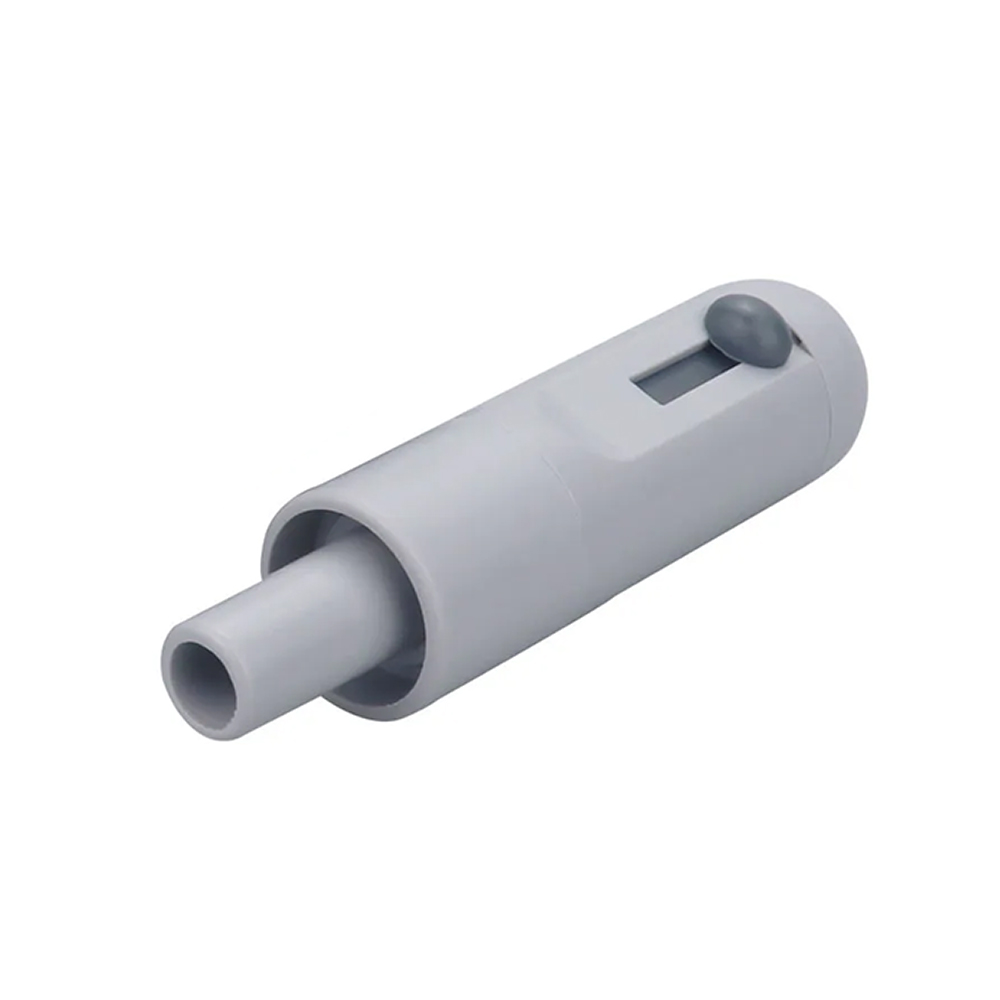
Plastic Suction Tip Holder – Small
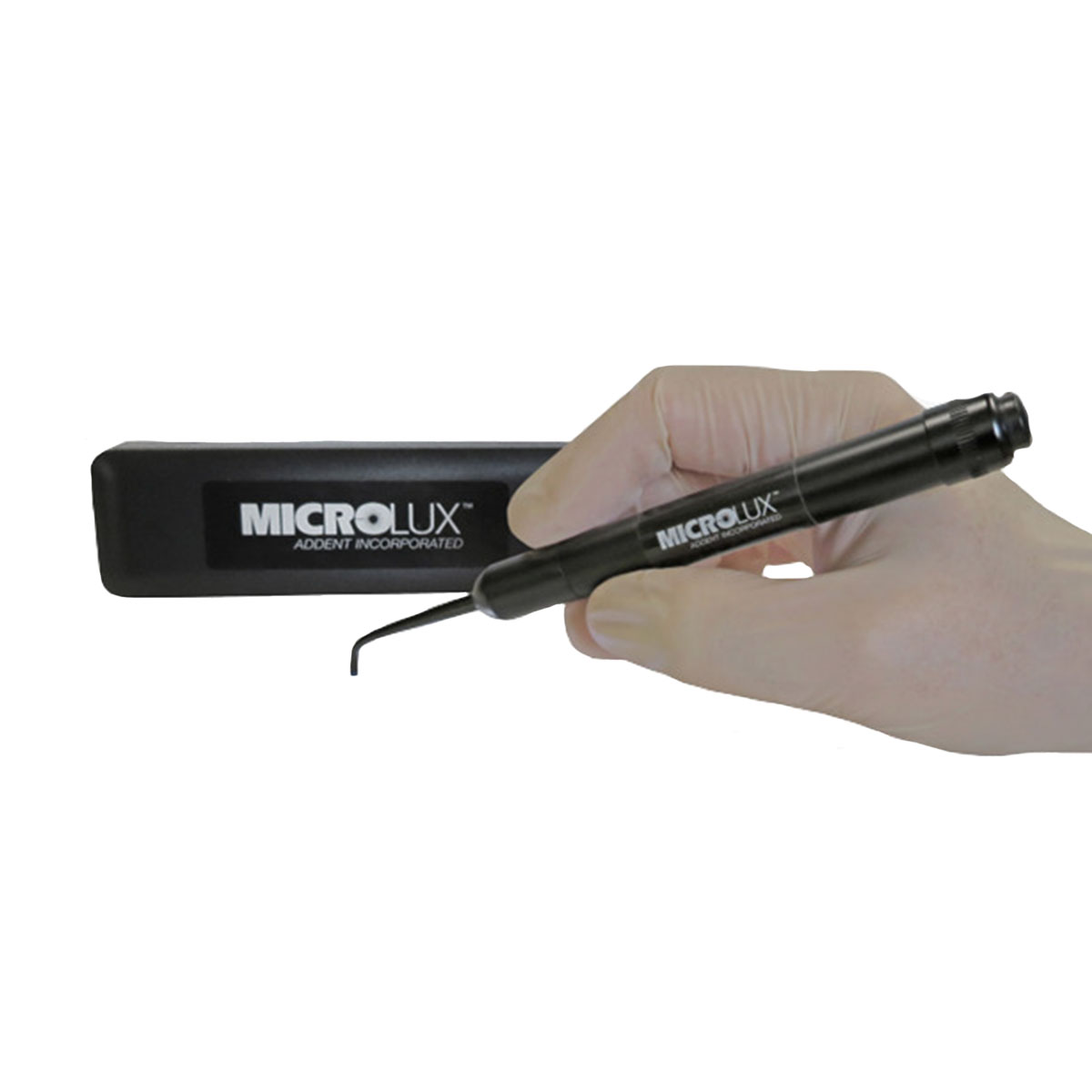
AdDent Microlux Transilluminator Diagnostic System With Perio/Endo Probe
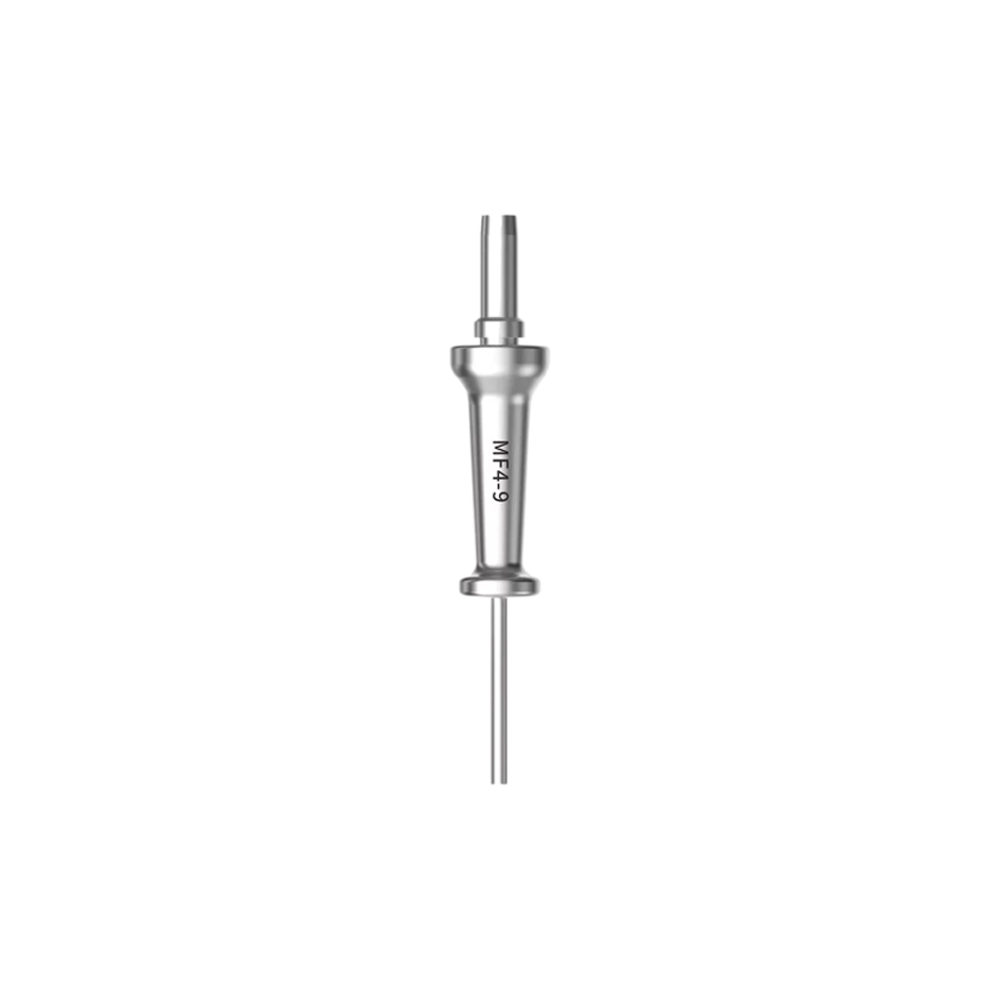
Woodpecker LX16 Diode Laser Tips – MF4-9 (Pack of 3)
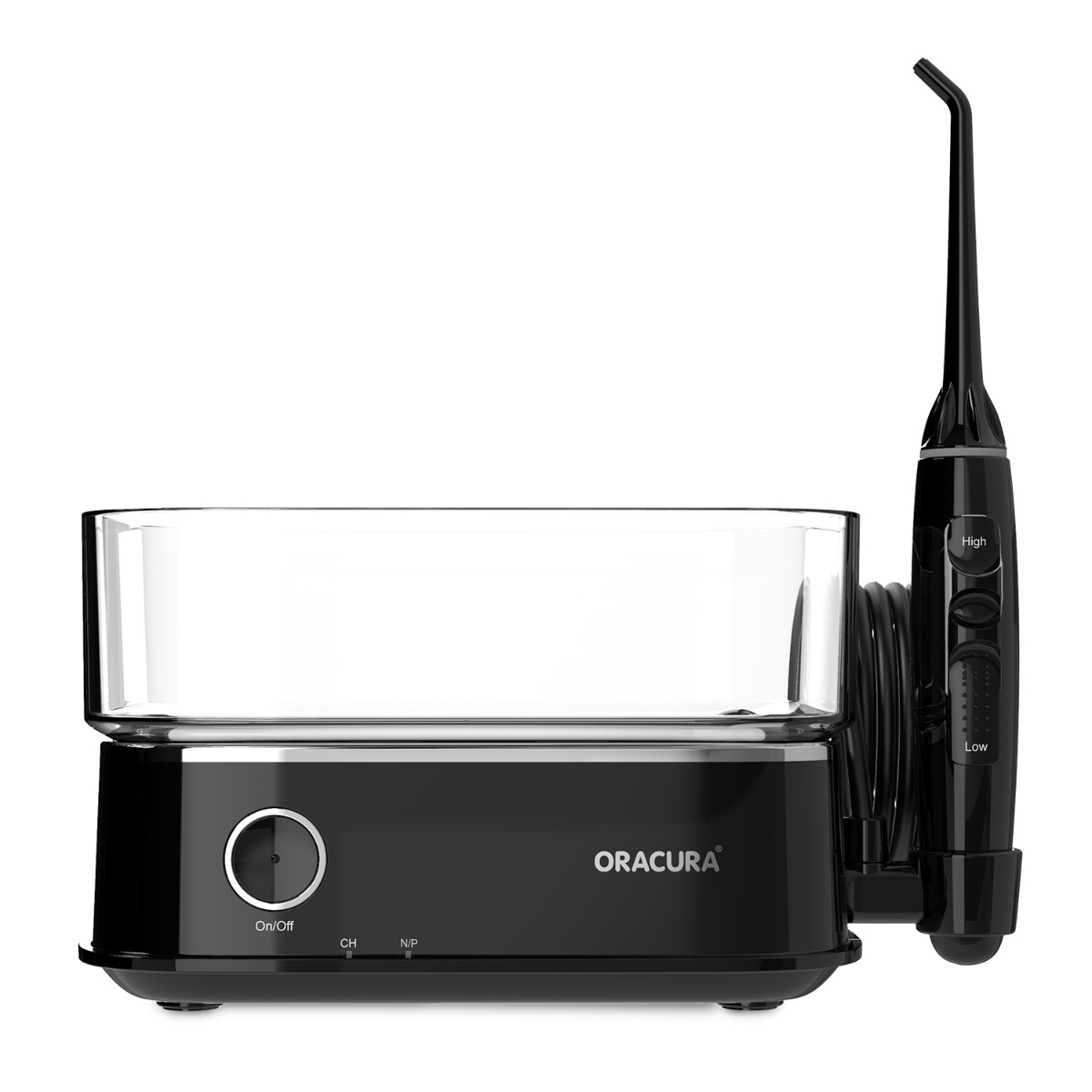
Oracura OC450 Lite Countertop Smart Water Flosser – Black
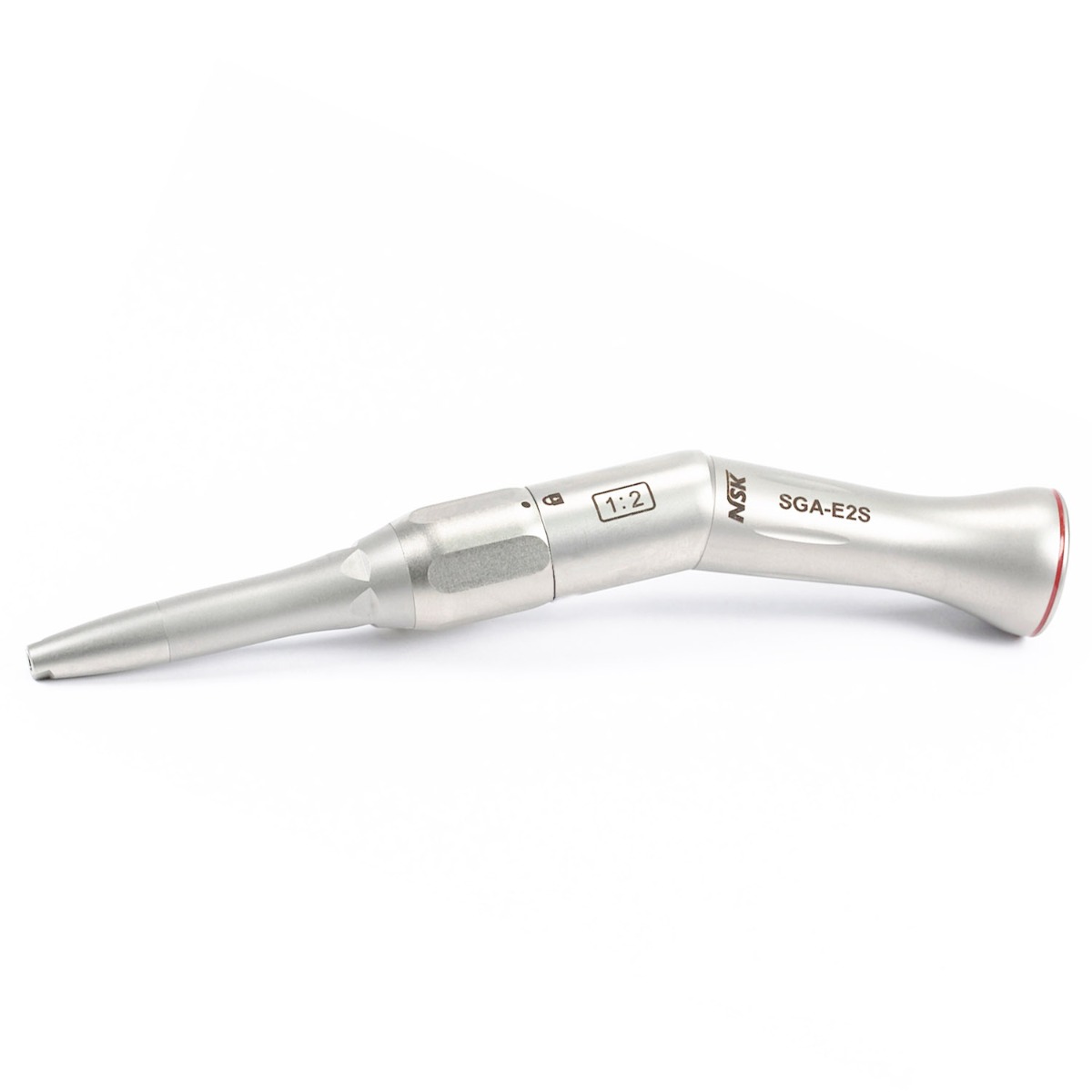
NSK SGA-E2S Micro Surgery Contra-Angle Handpiece (H265)
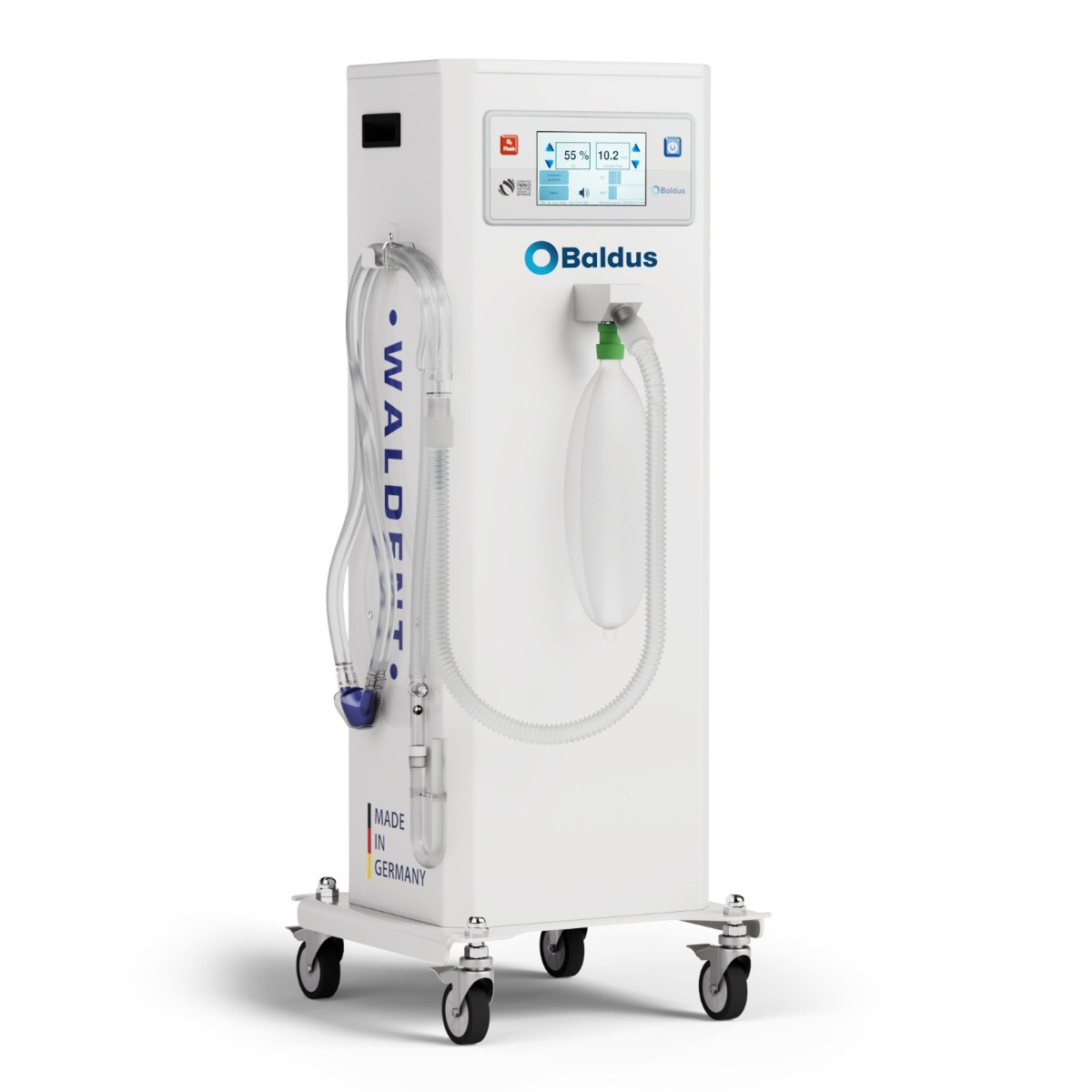
Baldus Touch – 70 Oxygen-Nitrous Oxide Mixer Unit With Encased Cart
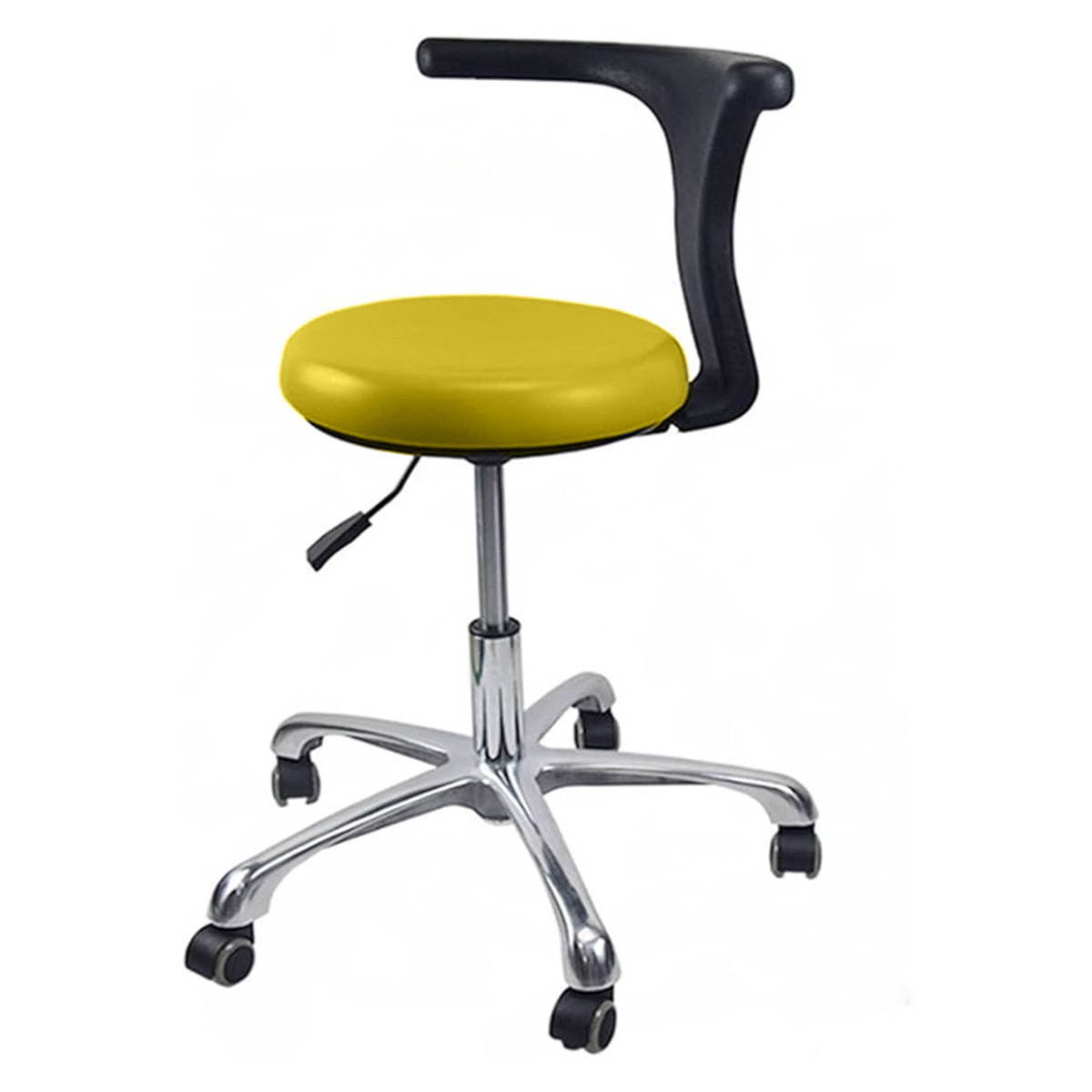
Sparedent Dental Stool with Armrest and Metal Base – Yellow