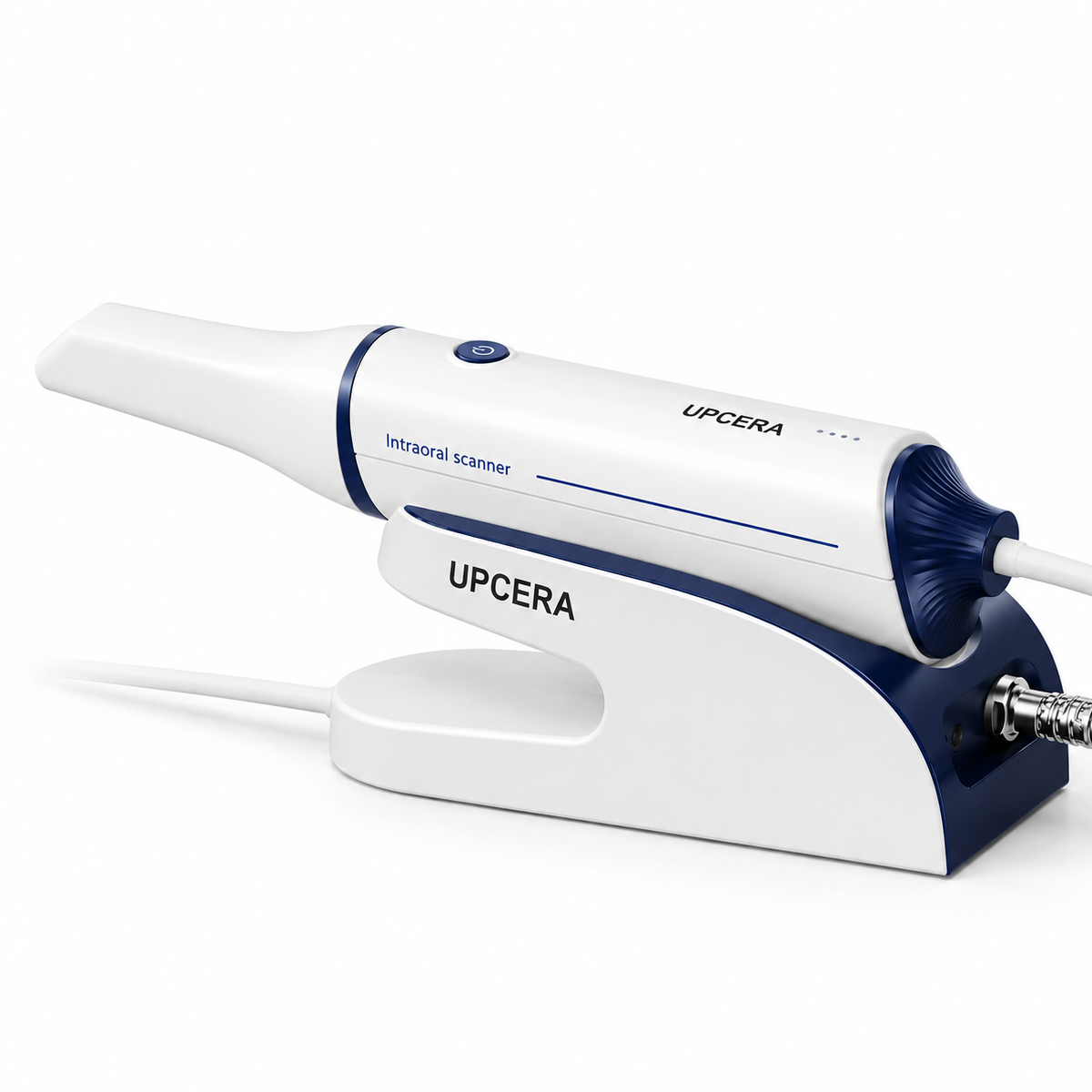
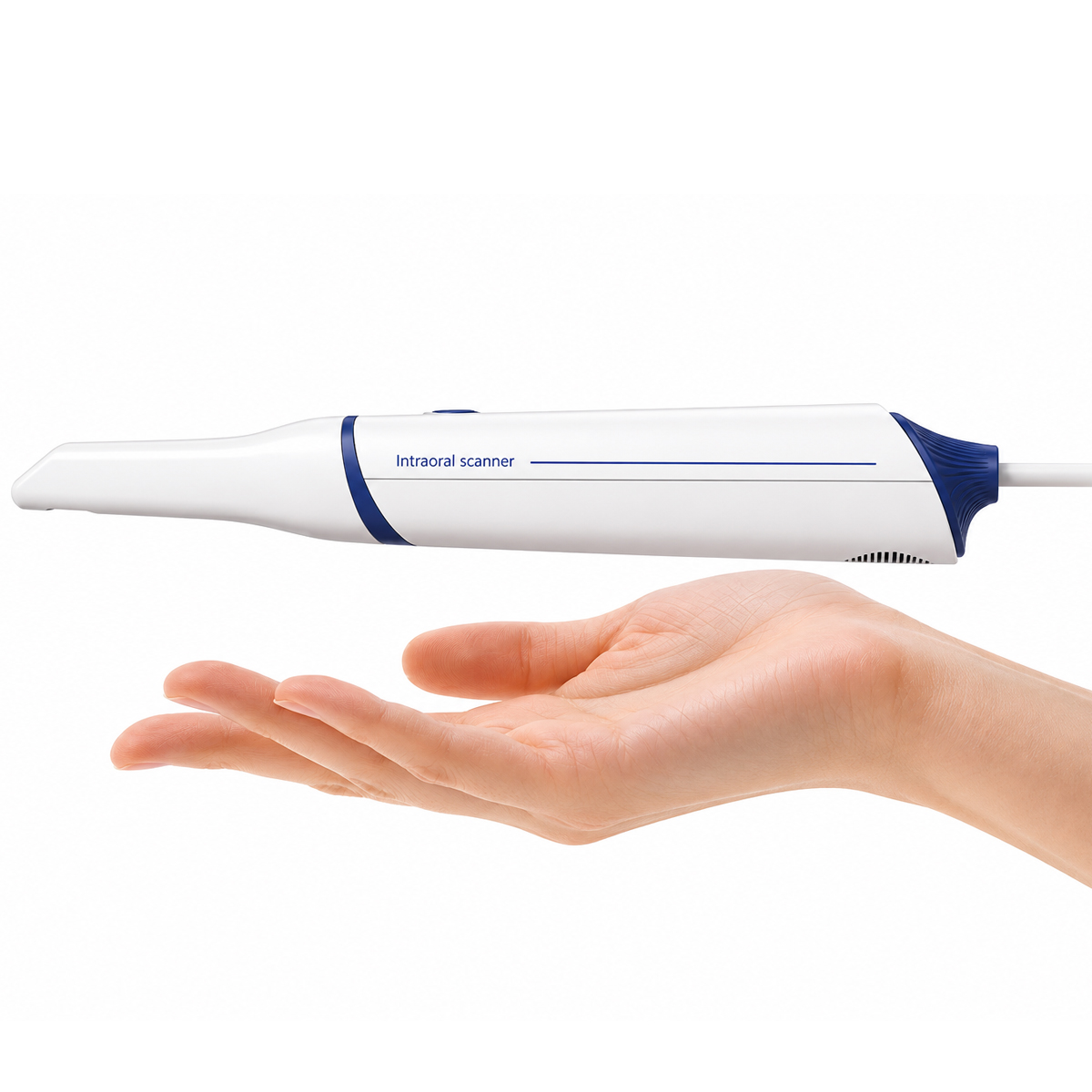
Upcera DL-300 Intraoral Scanner
Advanced intraoral scanner with ultra-fast 30-second full arch scanning, high accuracy, ergonomic lightweight design, and seamless digital workflow integration for modern dental practices.
Enter pincode to verify fast clinic delivery & dispatch speed.
Key Highlights
Description
Upcera DL-300 Intraoral Scanner is a next-generation digital dentistry solution designed to deliver highly accurate, fast, and comfortable intraoral scanning. Built with advanced optical scanning technology, the scanner captures detailed 3D impressions in real-time, helping dentists improve workflow efficiency and patient communication. Its lightweight ergonomic design reduces operator fatigue during long procedures while ensuring smooth maneuverability inside the oral cavity.
The scanner supports powder-free scanning and features intelligent AI-assisted image processing for quick and stable data acquisition. With realistic color rendering and enhanced visualization, clinicians can easily identify preparation margins, soft tissue details, and occlusal anatomy with exceptional clarity. The calibration-free system eliminates routine calibration requirements, making daily operation more convenient and reliable. The Upcera DL-300 integrates seamlessly into digital workflows with open-format exports such as STL, PLY, and OBJ, ensuring compatibility with leading CAD/CAM systems, aligner software, implant planning platforms, and dental laboratories. Its advanced cloud communication capabilities allow efficient case sharing and collaboration between clinics and labs. Designed for restorative, orthodontic, implant, and prosthodontic applications, the scanner enhances treatment accuracy, reduces chairside time, and improves overall patient experience.
Key Features
- Ultra-fast full arch scanning in just 30 seconds
- Lightweight ergonomic handpiece for comfortable handling
- Calibration-free technology for hassle-free operation
- High precision scanning with up to 10μm local accuracy
- Realistic color 3D imaging for enhanced diagnosis
- Open file format support including STL, PLY, and OBJ
- AI-powered intelligent scanning for smooth workflow
- Anti-fogging technology for uninterrupted scanning
- Autoclavable scanner tips for better infection control
- Seamless cloud collaboration with labs and clinics
- Advanced software with intuitive user interface
- Compact and portable design suitable for chairside use
Specifications
Scanning Performance
- Full Arch Scan Time: Up to 30 seconds
- Local Accuracy: 10μm
- Frame Rate: Up to 30 FPS
- Scan Depth: -2mm to 18mm
- Field of View: 17mm × 15mm
Scanner Design
- Weight: Approx. 180g
- Dimensions: 220 × 36 × 34 mm
- Ergonomic lightweight handpiece
- Compact chairside scanning system
Imaging Technology
- 3D Technology: Triangulation
- Light Source: LED
- Realistic color texture scanning
- AI-assisted intelligent scanning
Connectivity & Output
- Data Formats: STL, PLY, OBJ
- Open system compatibility
- Cloud-based case sharing support
- Seamless CAD/CAM integration
Hygiene & Maintenance
- Calibration-free operation
- Anti-fogging technology
- Autoclavable scanner tips up to 80 cycles
Software & Workflow
- Advanced scanning software with tutorials
- Real-time scan visualization
- Digital impression workflow support
- Remote collaboration and case management
Packaging
- 1 × Upcera DL-300 Intraoral Scanner Handpiece
- 1 × Scanner Docking/Charging Unit
- 3 × Autoclavable Scanner Tips
- 1 × Power Adapter
- 1 × USB/Data Connection Cable
- 1 × Calibration-Free Integrated Software Package
- 1 × User Manual
- 1 × Installation & Quick Start Guide
- 1 × Protective Carrying Case
Directions for Use
Step 1: Prepare the Scanner
- Connect the scanner to the system or ensure the wireless unit is fully charged.
- Open the scanning software on the connected computer or workstation.
- Select the patient profile and create a new case.
- Attach a properly sterilized autoclavable scanner tip before use.
Step 2: Prepare the Patient
- Seat the patient comfortably in the dental chair.
- Ensure the oral cavity is clean and free from excessive saliva or debris.
- Use cotton rolls or suction for moisture control if required.
- Explain the scanning procedure to the patient for better cooperation.
Step 3: Start the Scanning Process
- Hold the scanner comfortably using the ergonomic grip.
- Position the scanner tip inside the patient’s mouth.
- Begin scanning from the occlusal surface of the posterior teeth.
- Slowly move the scanner in a continuous motion across the dental arch.
- Capture buccal and lingual surfaces systematically for complete data acquisition.
Step 4: Perform Full Arch Scanning
- Continue scanning until the complete upper or lower arch is recorded.
- Follow the software guidance for missing areas or incomplete scans.
- Re-scan any unclear or distorted regions if necessary.
- Ensure proper bite registration by scanning the occlusal relationship.
Step 5: Review the Digital Impression
- Check the 3D model on the screen for accuracy and completeness.
- Verify margins, occlusal surfaces, and interproximal areas carefully.
- Remove unwanted artifacts using the software editing tools if required.
Step 6: Save and Export the Scan
- Save the completed case in the software system.
- Export the scan in STL, PLY, or OBJ format as needed.
- Share the digital impression directly with the laboratory or CAD/CAM system.
Step 7: Post-Use Cleaning & Maintenance
- Remove the scanner tip carefully after use.
- Clean and sterilize the tip according to manufacturer instructions.
- Wipe the scanner body with a recommended disinfectant wipe.
- Store the scanner safely in a clean and dry environment.
Additional Information
- Country of origin: PRC
Warranty & Service
- Manufacturer/Importer warranty for “Upcera DL-300 Intraoral Scanner” 2 years as applicable for this product.
- Service and Warranty are handled by the manufacturer/importer directly for this product
- Dentalkart will not be liable to replace the Products and the liability to replace any such Product is that of the Manufacturer/Importer
- Dentalkart and the Buyer acknowledge that the Products purchased/used are a subject matter of original Manufacturer/Importer’s warranties only
- Any or all claims in relation to returns and replacement shall be made to the concerned Manufacturer/Importer only and Dentalkart may assist the customer in registering a request to get the Product replaced or serviced.
- The Buyer acknowledges that the Products once sold will be exchanged or taken back only if the seal of the package or the Product is intact/not altered in any manner or has not been tampered with.
Package Contents
Standard clinic packaging: 1 x Upcera DL-300 Intraoral Scanner (Factory sealed box)
For detailed package breakdowns or bulk master-carton counts, contact our wholesale desk.
| Brand | UPCERA |
|---|---|
| Category | Intraoral Scanner |
| SKU Code | UPCXX00343 |
| Availability | In Stock (Ready for Dispatch) |
| Product Type | Dental Clinic & Hospital Supply |
Clinical Instructions
- Inspect the packaging seal before clinical application.
- Prepare the operative field following standard clinical isolation protocol.
- Apply according to manufacturer directions and standard restorative technique.
- Dispose of single-use items in bio-medical waste according to healthcare regulations.
Warranty & Return Policy
- 100% Genuine Guarantee: All items are procured directly from verified brand manufacturers & authorized distributors.
- 10-Day Replacement Window: Eligible for return or replacement if received damaged, defective or with broken seal.
- Manufacturer Warranty: Standard warranty applicable according to brand terms.
DentaHaus Benefits
100% Genuine Products
Direct supply from verified dental manufacturers
Best Wholesale Price
Special tiered pricing for clinics & doctors
Fast Pan-India Delivery
Express shipping across all PIN codes
GST Invoice Available
Claim input tax credit on all purchases
Questions & Answers
Get answers from dental experts and verified practitioners
What are the main clinical advantages of Upcera DL-300 Intraoral Scanner?
Key clinical advantages include ergonomic handling, reliable dimensional stability, compatibility with all standard restorative dental materials, and excellent clinical comfort for patients.
Payment Options
Ratings & Reviews
Verified feedback from practicing dentists & clinics
The material and handling consistency is top-notch. Our clinic orders in bulk batches and we get predictable, durable patient results every single time.
Very convenient product for everyday restorative and clinical procedures. The wholesale 10+ discount saves us substantial clinic supply overhead.
Recommended Products
Still exploring? These dental supplies might fit your clinic needs
Waldent BLZ IntraVue 900 Ai Intraoral Scanner Tip – Paediatric
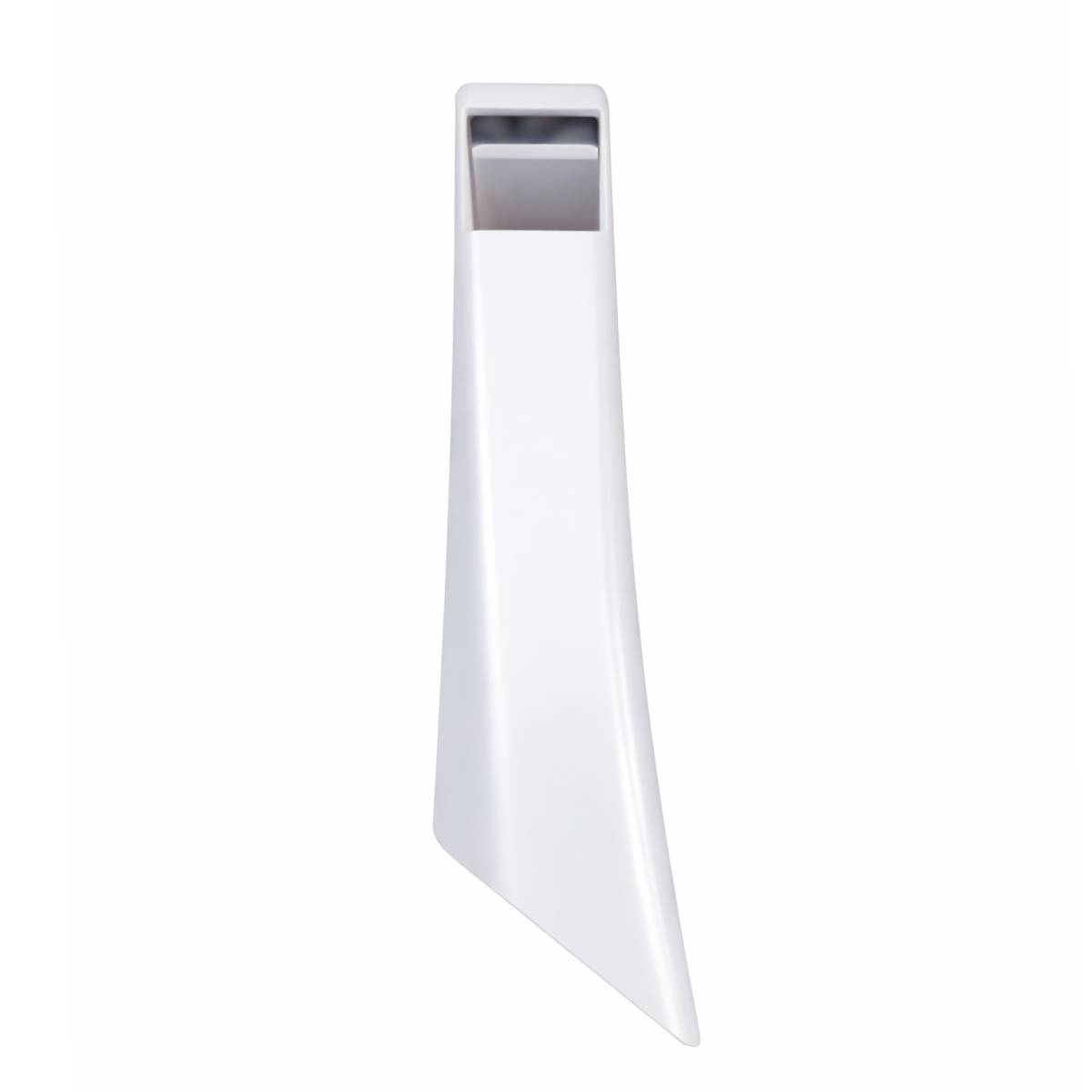
Waldent BLZ IntraVue 900 Ai Intraoral Scanner Tip – 90 degree
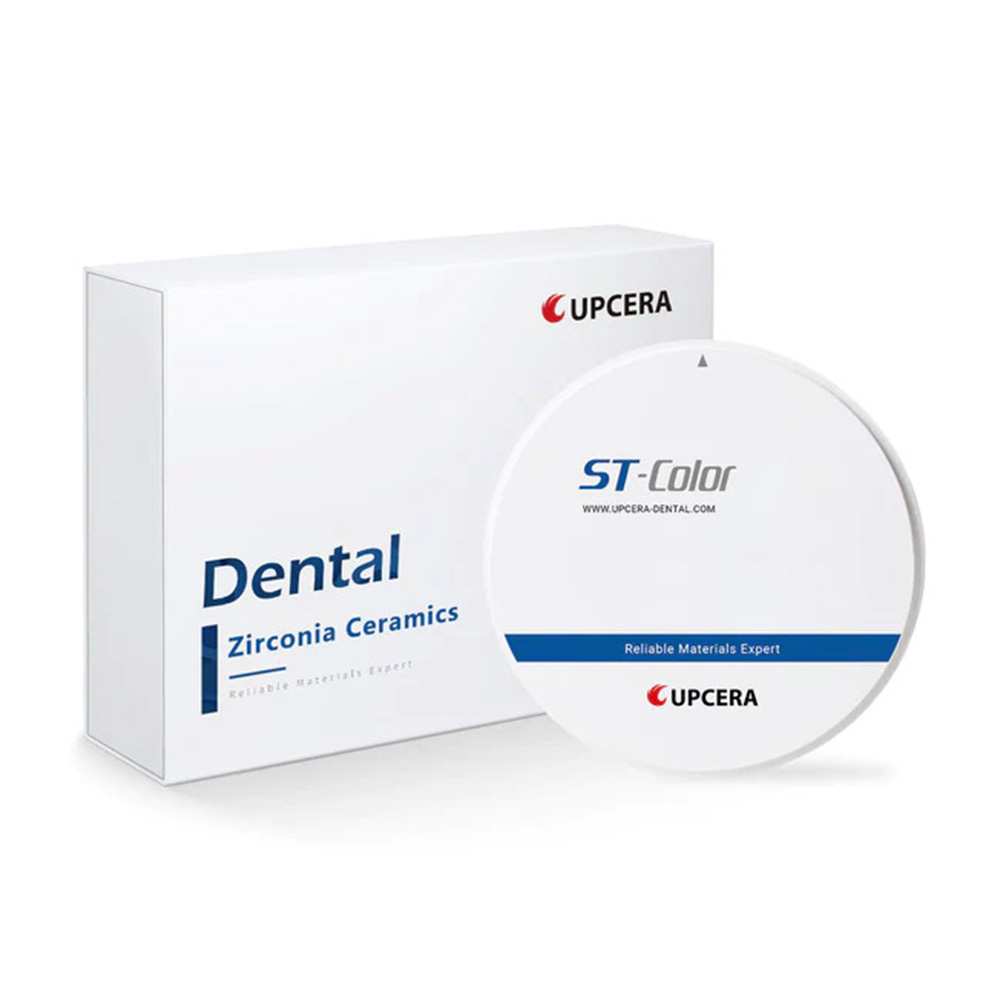
Upcera Dental Zirconia Blanks ST Pre-Shaded/ST Color A2 Shade- D98-14mm

Upcera Dental Zirconia Blanks Explore Functional (Shade A1)
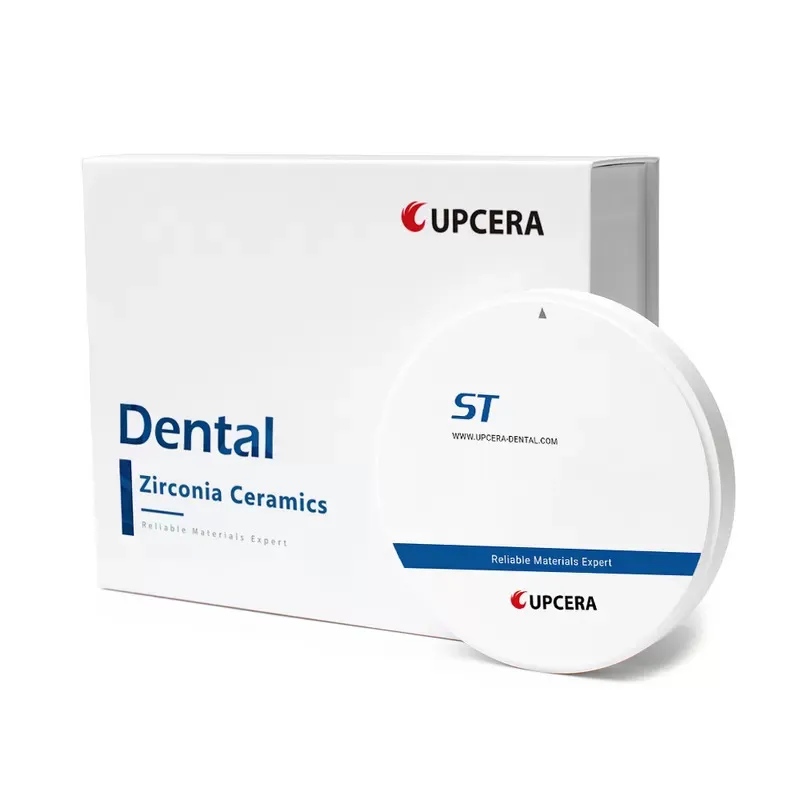
Upcera Dental Zirconia Blank ST-D98-22 mm
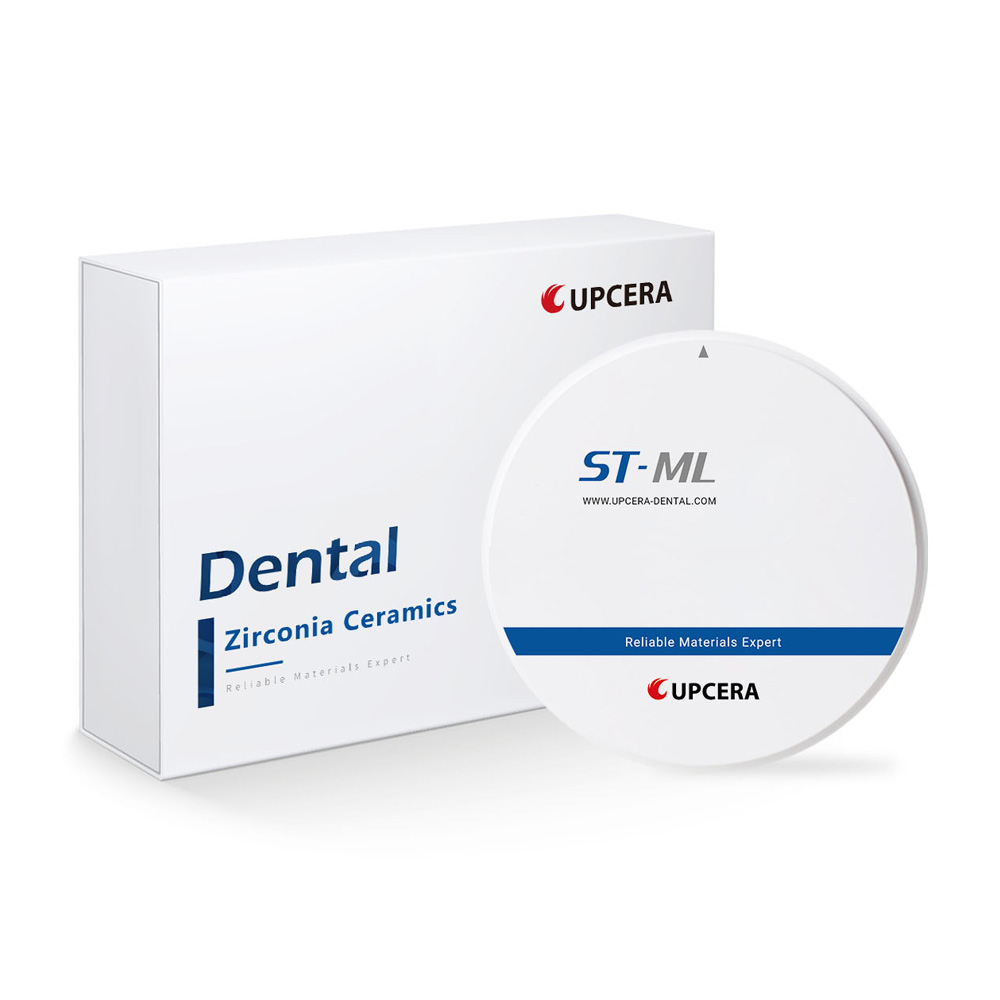
Upcera Dental Zirconia Blanks ST Multilayer Shade A1- D98-14mm
Upcera Dental Zirconia Blanks ST Pre-Shaded/ ST Color (A1 Shade)
Upcera Dental Zirconia Blanks ST White
Upcera Dental Zirconia Blank ST-D98-18 mm