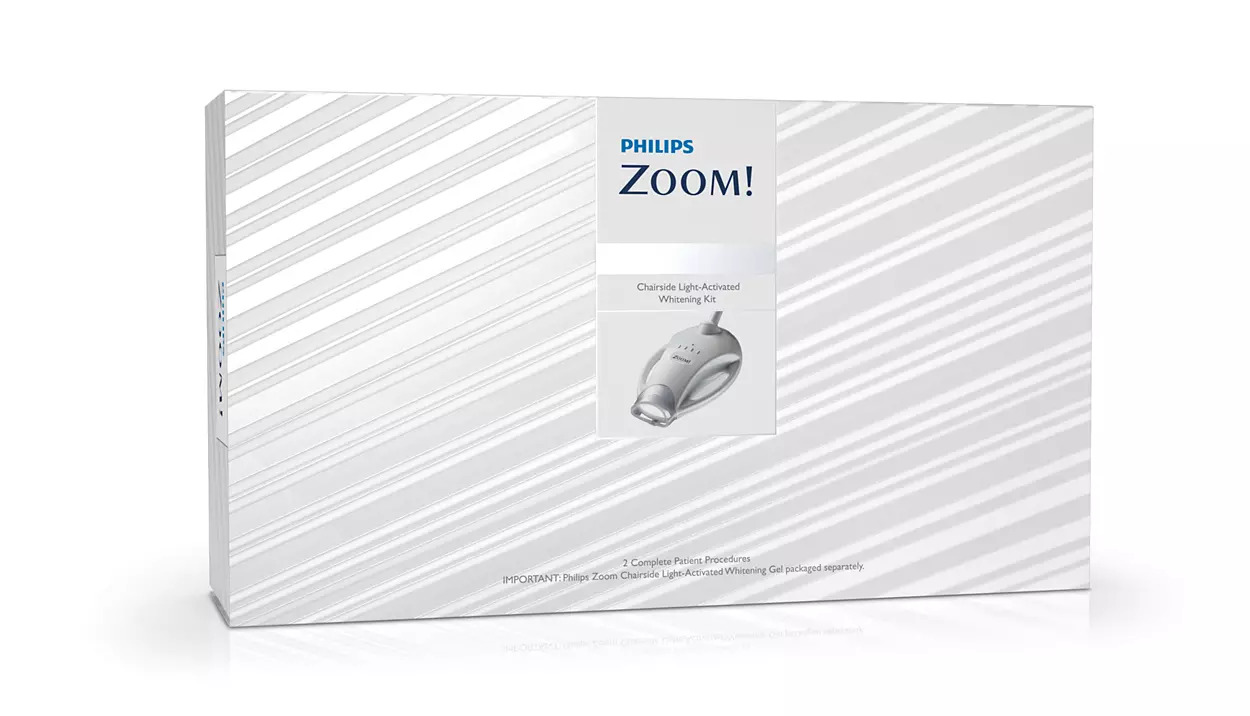
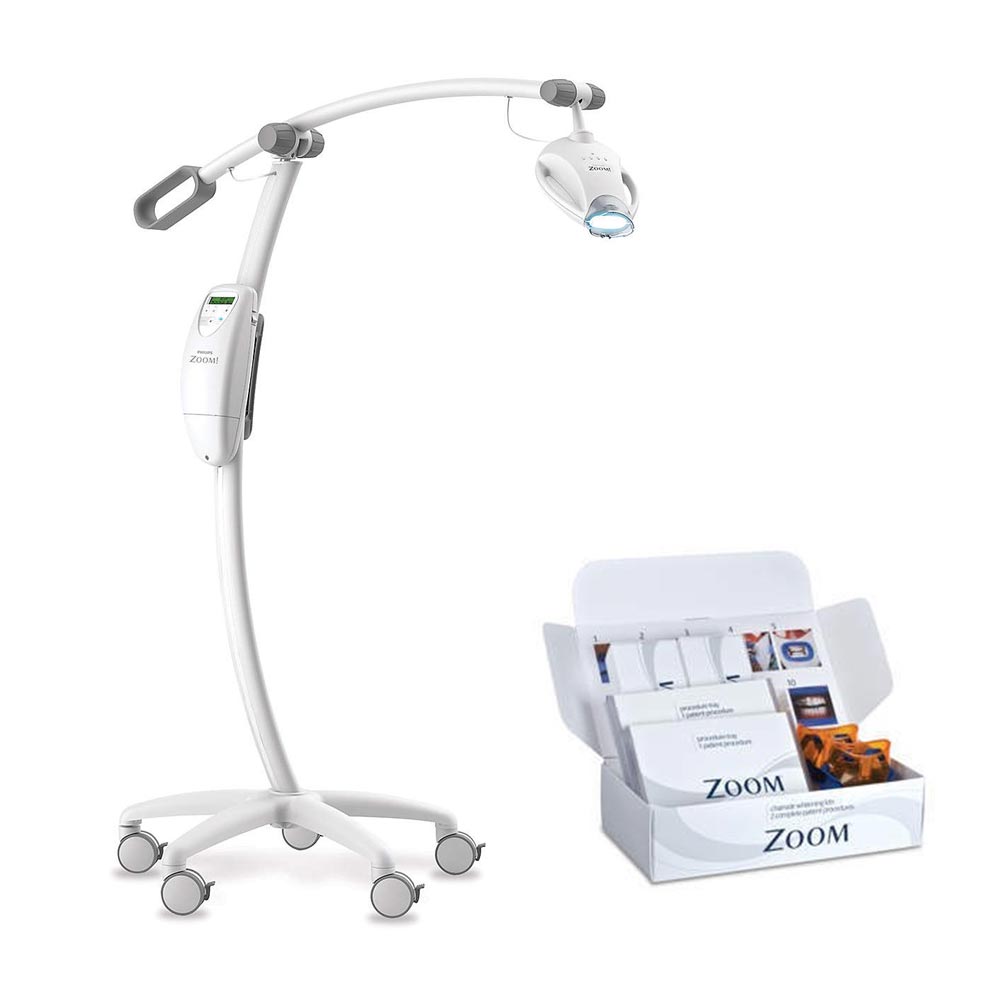
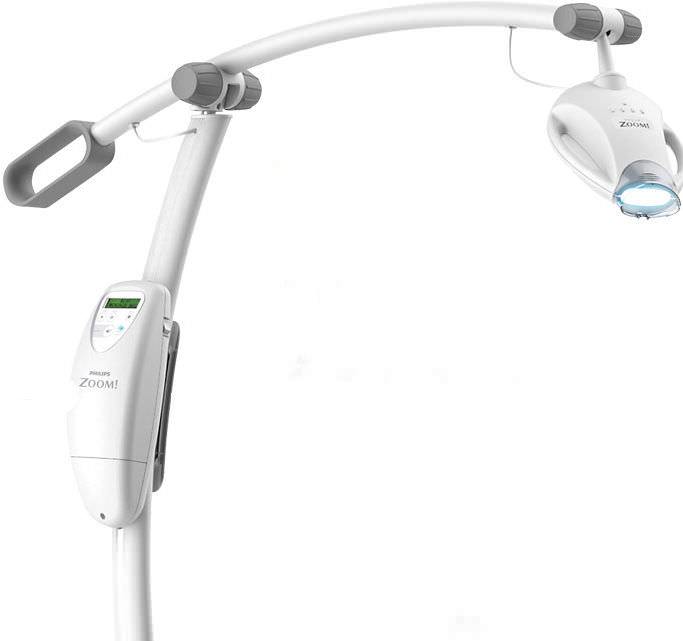
Philips Zoom Whitespeed (zoom dual kit free)
Whitespeed delivers professional-grade teeth whitening through its advanced in-office bleaching light.
Enter pincode to verify fast clinic delivery & dispatch speed.
Key Highlights
Description
The Accelerator is an in-office teeth whitening light designed to be used by dental professionals for use in whitening discolored teeth. The Accelerators LED light source has been designed to deliver the optimal spectrum of light energy to activate Philips Zoom Light-Activated In-Office Whitening Gel to deliver upto 6 to 8 shades of teeth whitening. Wavelength emissions are between 400 to 505 nanometers(nm) and the energy intensity delivered to the teeth can be set at three levels depending on patient and case type.
Light Guide
The Light Guide is designed to ensure proper distance and alignment to maintain correct light exposure on the smile zone. Remove Light Guide from Kit and place on end of Accelerator Head. Turn on the Accelerator using the power button located on the side of the Power Pack. When the Light Guide is properly attached, the Power Pack display will read Guide Status-Guide Attached followed by X of X Sessions. Each new Light Guide is loaded with four 15-minute activation sessions.
Key Features
- The Accelerator is an in-office teeth whitening light designed to be used by dental professionals for use in whitening discolored teeth.
- The Accelerator’s LED light source has been designed to deliver the optimal spectrum of light energy to activate Philips Zoom! Light-Activated In-Office Whitening Gel to deliver up to 6-8 shades* of teeth whitening.
- Wavelength emissions are between 400 to 505 nanometers(nm) and the energy intensity delivered to the teeth can be set at three levels depending on patient and case type.
- The Accelerator must be used at all times in accordance with the terms and conditions of the Letter of Agreement (LOA) provided and signed prior to delivery of the Accelerator
Specifications
TECHNICAL DATA:
| Input ratings |
100-240V~, 3A, 50-60 Hz |
| Classification | Class 1 Type BF, IPXO, Equipment not suitable for use in the presence of flammable mixtures |
| Operating mode | Continuous |
| Operating |
|
| Transport and storage |
|
| Light source | LED Array |
| Bandwidth | 400 – 505 nanometers normal |
| Cooling | Air Cooled |
| Height |
136cm / 53.5 in |
| Weight |
11 kg / 24 lbs |
Packaging
- 1 Whitening LED accelerator
- Dual patient kits
Directions for Use
Accelerator Assembly
- Remove all items from the shipping carton.
- Snap the casters into the feet of the Accelerator Base and lock the casters.
- Place the Accelerator Base upright on the floor. Insert the Accelerator Stand into the Accelerator Base by aligning the pin in the Accelerator Stand with the slot in the Accelerator Base and pushing the Stand securely into place.
- Assemble the lock washer with the big teeth facing each other and place it on the bolt, followed by the Fender (large) washer. Reaching under the Accelerator Base, screw the bolt into the bottom of the Base, securing it to the Accelerator Stand.
- To attach the Accelerator Head, loosen the knobs by the socket at the end of the Accelerator Boom by 4-5 turns. Gently, but firmly, push the Accelerator Head into the socket. It will be held securely in place by the socket springs.
- Place the Accelerator Boom onto the Accelerator Stand by carefully aligning the hole in the Boom with the hole in the yoke. Insert the screw into the hole and tighten. Keep tightening the screw until it is completely in the pocket. The screw should be flush or inset into the pocket. The screw has glue on the threads (yellow in color) that releases as the screw is tightened. Therefore it is important to finish tightening the screw upon insertion or the glue may stop the screw from being fully inserted.
- Connect the electrical cord from the Accelerator Boom to the cords from the Accelerator Stand and the Accelerator Head. The Accelerator head connector must be turned until you feel it lock into place.
- When you are ready to test the Accelerator, activate the unit by turning on the main power switch on the right side of the Power Pack.
Align Accelerator Head and Light Guide to Retractor
Once the whitening gel application is complete (see Kit manual for instructions), raise the back of the chair so the patient is in a slightly reclined position (45 degree angle) and able to swallow comfortably while maintaining light pressure on the bite block. Slide Accelerator into place next to the patient. Accelerator Boom should be movable, but stable.
To align the Accelerator Head:
- Grasp the Accelerator Head with one hand and bring it close to the patient’s mouth. Use your other hand to lift or lower the Accelerator Boom as needed to make sure Accelerator Head is aimed directly at the patients teeth.
- Use both hands to finalize positioning of Accelerator Head so that Light Guide and IsoPrep Retractor slots are aligned. Tighten Accelerator Head and Accelerator Boom knobs. Lock casters in position. While engaged, the Light Guide and IsoPrep Retractor will allow the Accelerator Head to follow minor movements of the patient’s head to ensure proper alignment.
Running a whitening procedure cycle
Each Philips Zoom! Light-Activated In-Office Whitening Procedure consists of three 15-minute whitening sessions with a pause between each session to allow the operator to remove and replace the whitening gel. Each Light Guide includes a fourth session for use on patients with shades A3 or darker.
- Ensure the patient is properly prepared according to the Kit manual with whitening gel and all protective barriers in place.
- Press the “Intensity” button to toggle through high, medium, and low light intensity until the desired intensity is selected. This setting can be changed at any time during the whitening procedure.
- Press the “Start” button to turn on light and activate session timer.
- Once light is on, a countdown will be displayed. The Accelerator will beep once when 3 minutes are remaining and beep three times in the final 3 seconds of the 15 minute session. When time reaches zero, light will turn off and a long beep will sound.
- Point out to the patient that progress of each session will be tracked by 4 white lights on top of the Accelerator Head, each indicating one quarter of a session.
- If a session must be interrupted, press the “Pause” button. The remaining session time will blink on the display. To reactivate the session, press either the “Pause” or “Start” button. DO NOT PRESS THE “STOP” BUTTON AT ANy TIME DURING THIS PROCESS OR AN ENTIRE 15-MINUTE SESSION WILL BE LOST.
- At the end of each 15-minute session, the display will indicate the number of remaining sessions left on the Light Guide. Press “Start” to activate the light for the next session.
- When all sessions on a Light Guide are used, the display will read “Sessions Complete” for three seconds, followed by “Guide Status – Replace Guide”. Detach the Light Guide from IsoPrep Retractor and pull Accelerator away from patient.
Additional Information
- Country of Origin: USA
- Manufacturer: Philips
Warranty & Service
- Manufacturer/Importer warranty of 12 months as applicable for this product.
- Service and Warranty are handled by the manufacturer/importer directly for this product
- Dentalkart will not be liable to replace the Products and the liability to replace any such Product is that of the Manufacturer/Importer
- Dentalkart and the Buyer acknowledge that the Products purchased/usedare a subject matter of original Manufacturer/Importer’s warranties only
- Any or all claims in relation to returns and replacement shall be made to the concerned Manufacturer/Importer only and Dentalkart may assist the customer in registering a request to get the Product replaced or serviced.
- The Buyer acknowledges that the Products once sold will not be exchanged or taken back unless the seal of the package or the Product is intact or not altered in any manner or is not tampered as the case may be.
Package Contents
Standard clinic packaging: 1 x Philips Zoom Whitespeed (zoom dual kit free) (Factory sealed box)
For detailed package breakdowns or bulk master-carton counts, contact our wholesale desk.
| Brand | Zoom |
|---|---|
| Category | Equipments |
| SKU Code | ZOOXX00110 |
| Availability | In Stock (Ready for Dispatch) |
| Product Type | Dental Clinic & Hospital Supply |
Clinical Instructions
- Inspect the packaging seal before clinical application.
- Prepare the operative field following standard clinical isolation protocol.
- Apply according to manufacturer directions and standard restorative technique.
- Dispose of single-use items in bio-medical waste according to healthcare regulations.
Warranty & Return Policy
- 100% Genuine Guarantee: All items are procured directly from verified brand manufacturers & authorized distributors.
- 10-Day Replacement Window: Eligible for return or replacement if received damaged, defective or with broken seal.
- Manufacturer Warranty: Standard warranty applicable according to brand terms.
DentaHaus Benefits
100% Genuine Products
Direct supply from verified dental manufacturers
Best Wholesale Price
Special tiered pricing for clinics & doctors
Fast Pan-India Delivery
Express shipping across all PIN codes
GST Invoice Available
Claim input tax credit on all purchases
Questions & Answers
Get answers from dental experts and verified practitioners
What are the main clinical advantages of Philips Zoom Whitespeed (zoom dual kit free)?
Key clinical advantages include ergonomic handling, reliable dimensional stability, compatibility with all standard restorative dental materials, and excellent clinical comfort for patients.
Payment Options
Ratings & Reviews
Verified feedback from practicing dentists & clinics
The material and handling consistency is top-notch. Our clinic orders in bulk batches and we get predictable, durable patient results every single time.
Very convenient product for everyday restorative and clinical procedures. The wholesale 10+ discount saves us substantial clinic supply overhead.
Recommended Products
Still exploring? These dental supplies might fit your clinic needs
Waldent I-MIX Metal Clip Amalgamator
Waldent AeroShine Air Polisher
Endoking Bright Bleaching Unit – Chair Mount Type
Sparedent IOPA Xray Viewer – Chair Mount
Woodpecker O Light LED Light Cure Probe – Plastic
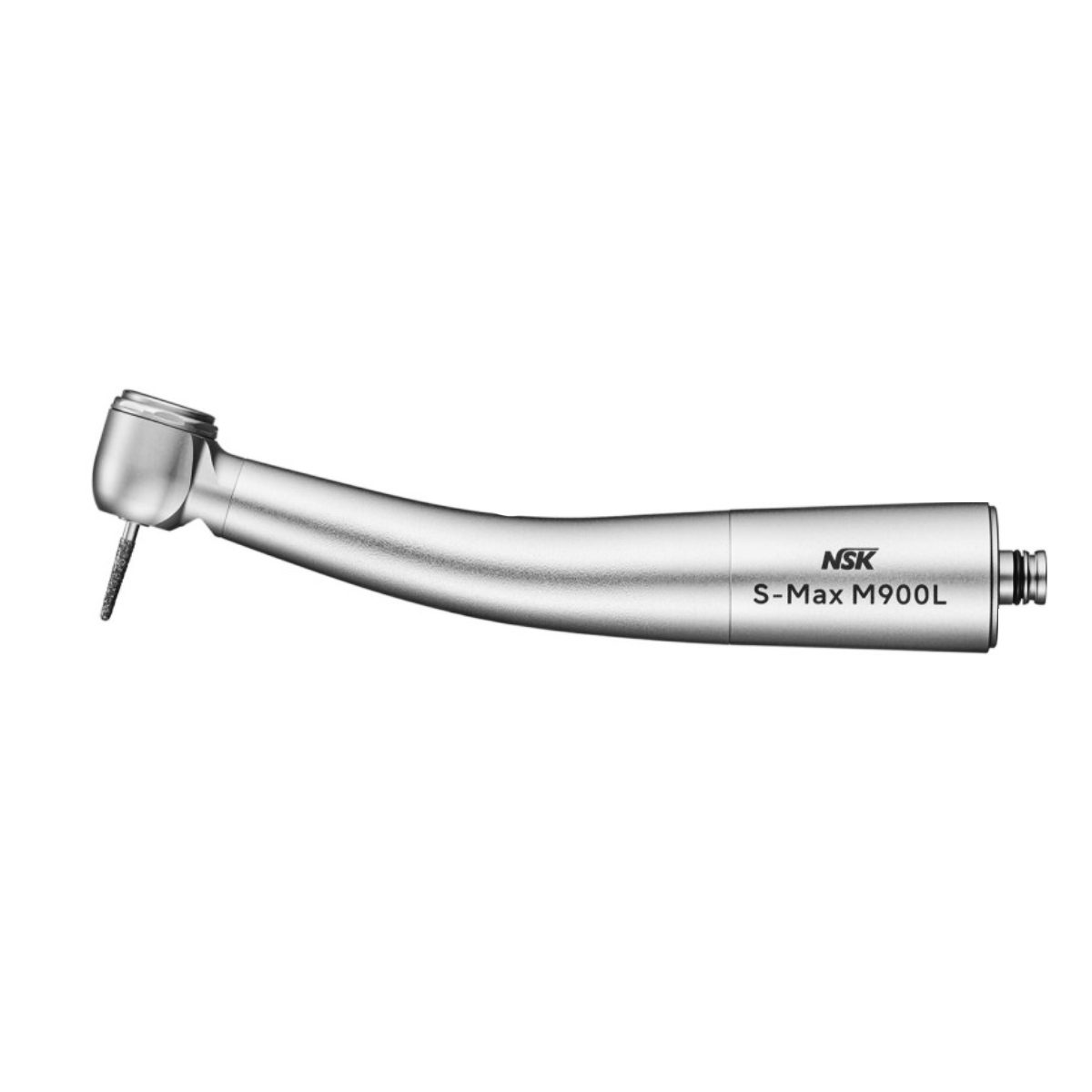
NSK S-Max M900L High-Speed Airotor Handpiece (P1254)
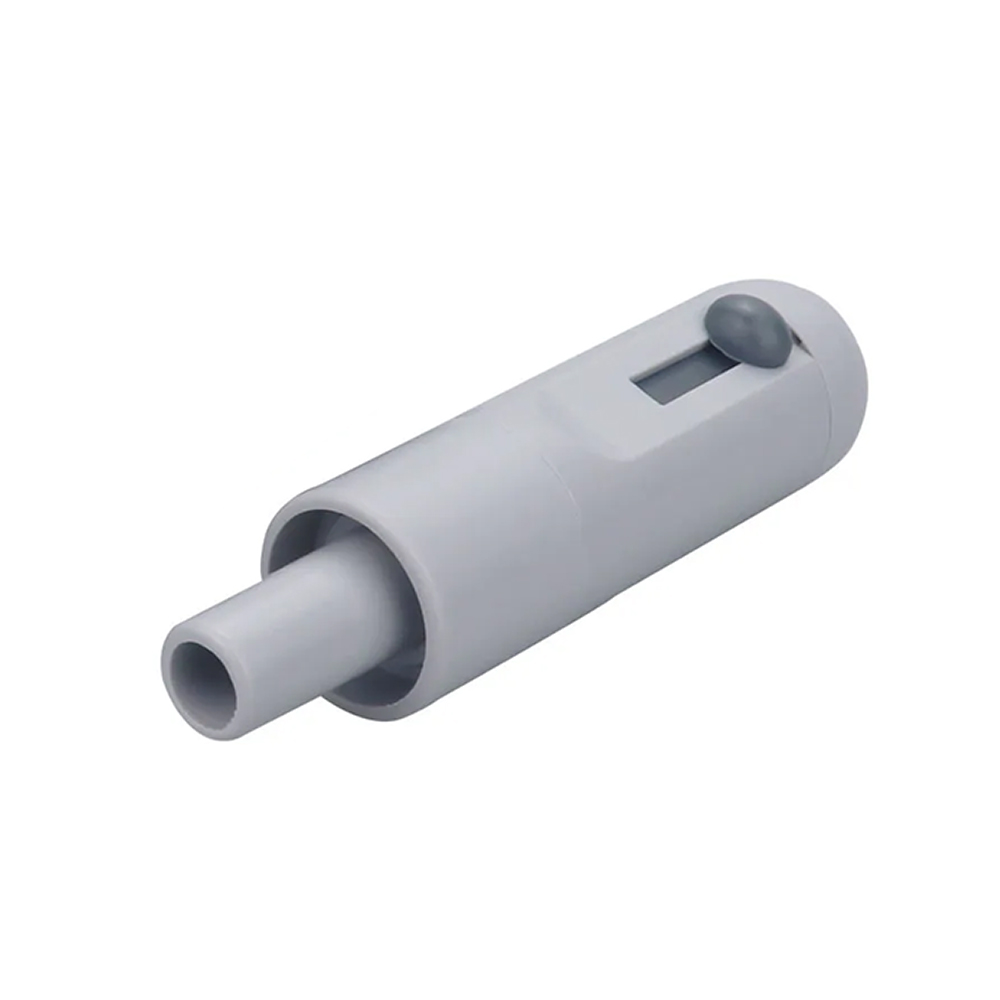
Plastic Suction Tip Holder – Small
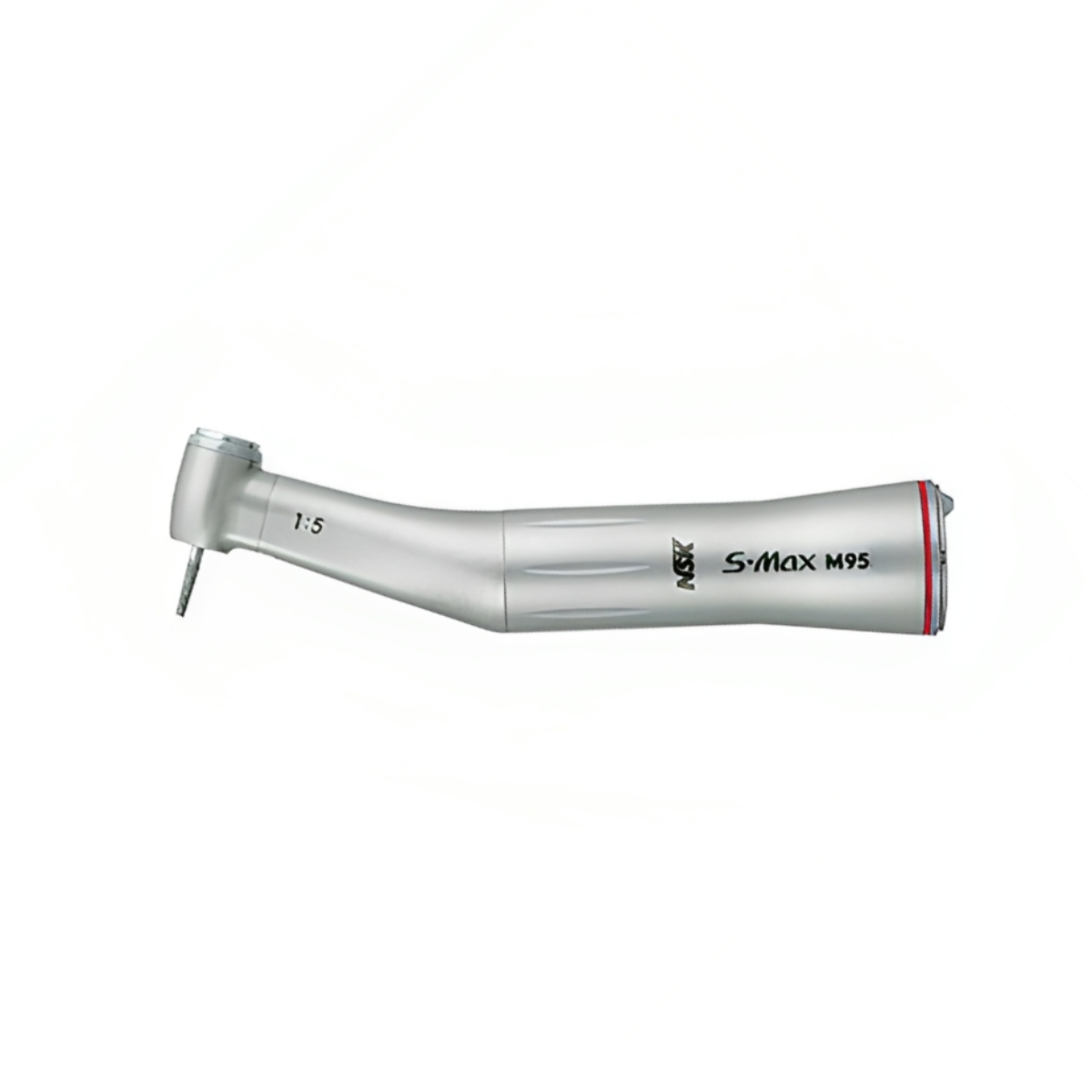
NSK M95 Contra-Angle Handpiece (C1026)
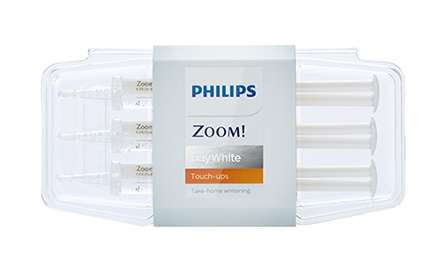
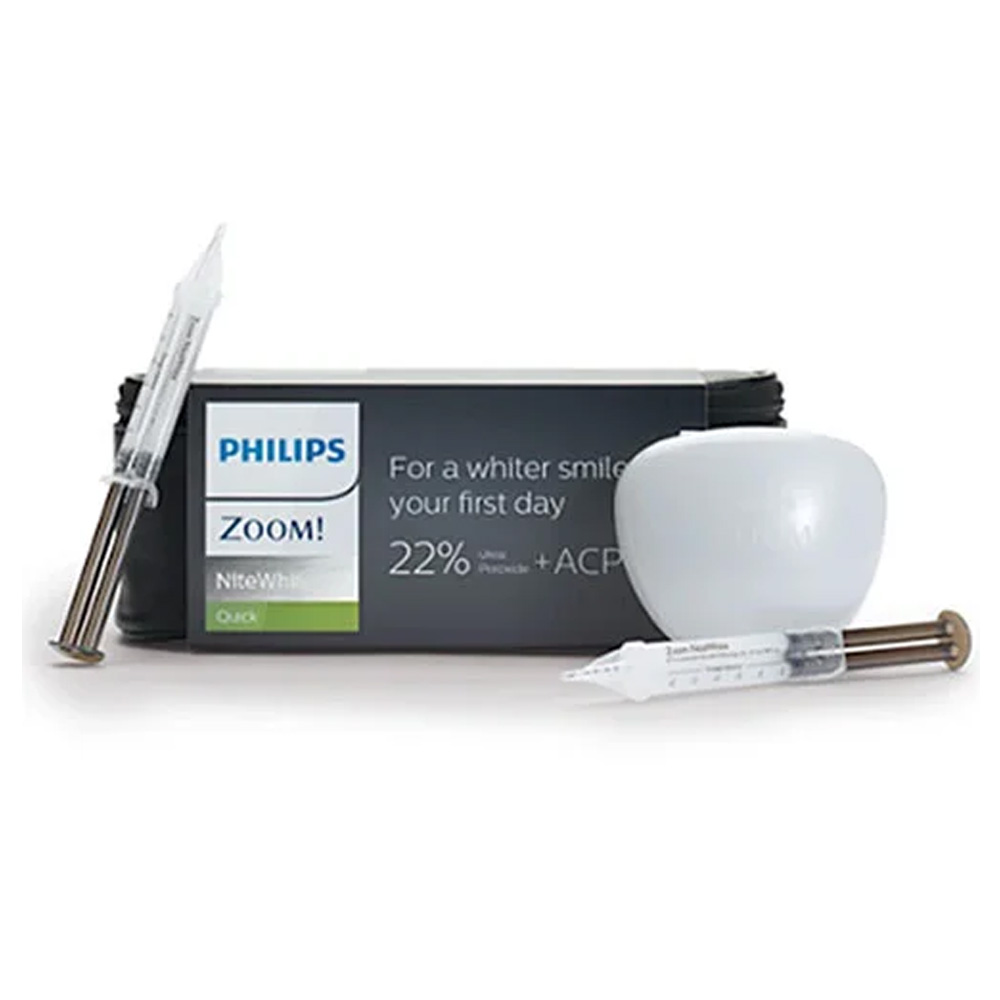
Philips Zoom Daywhite Acp 14% Whitening Kits
Philips Zoom Daywhite Retainer Box
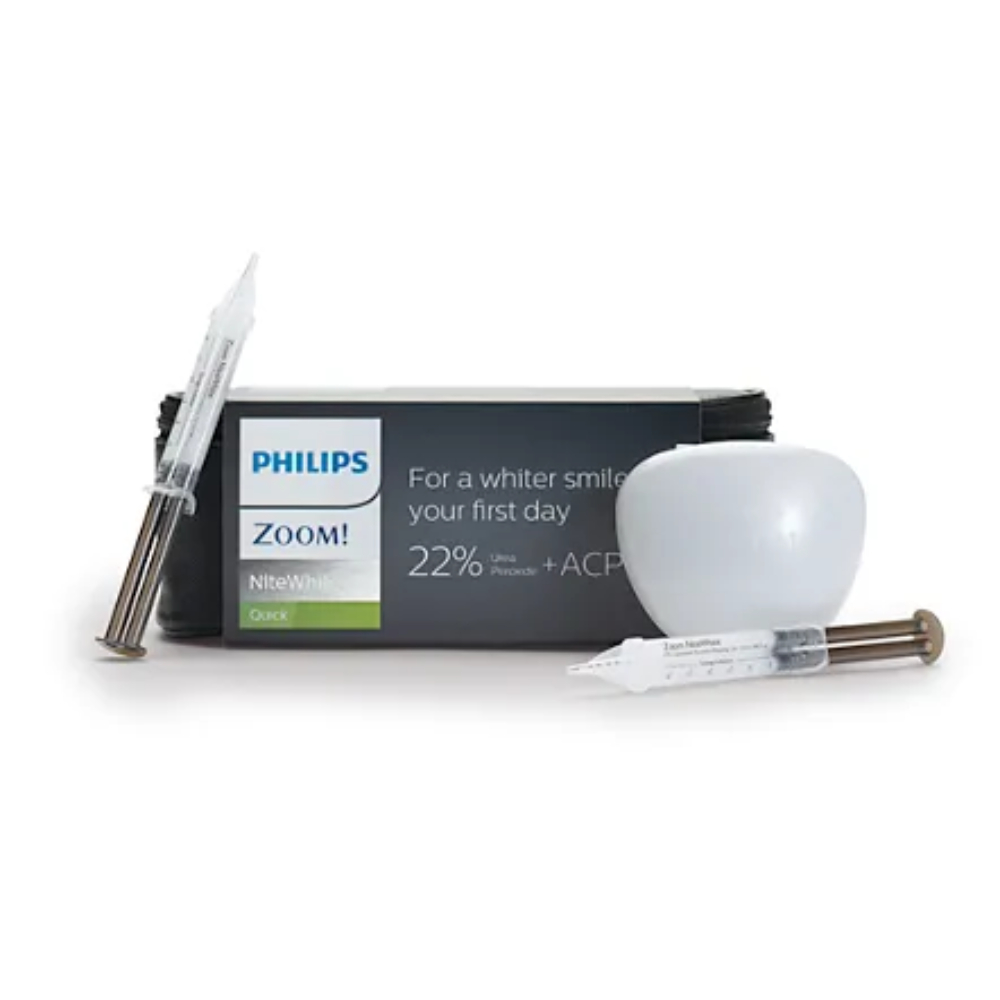

Philips Zoom Daywhite Acp 14% Whitening Kit – 9 Syringe Pack (3 Patients) +1 Retainer Box + 1 U/L Tray Sheets