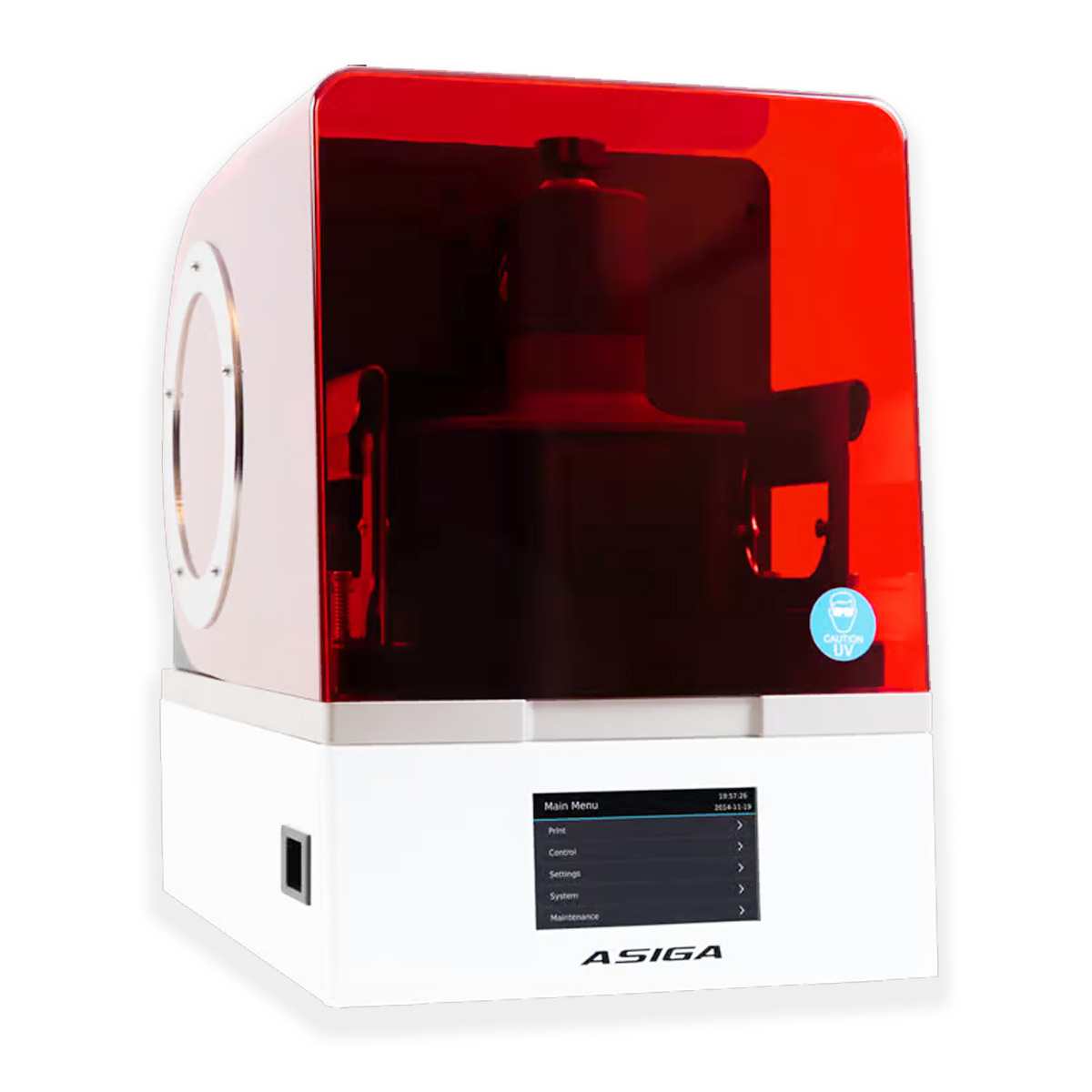
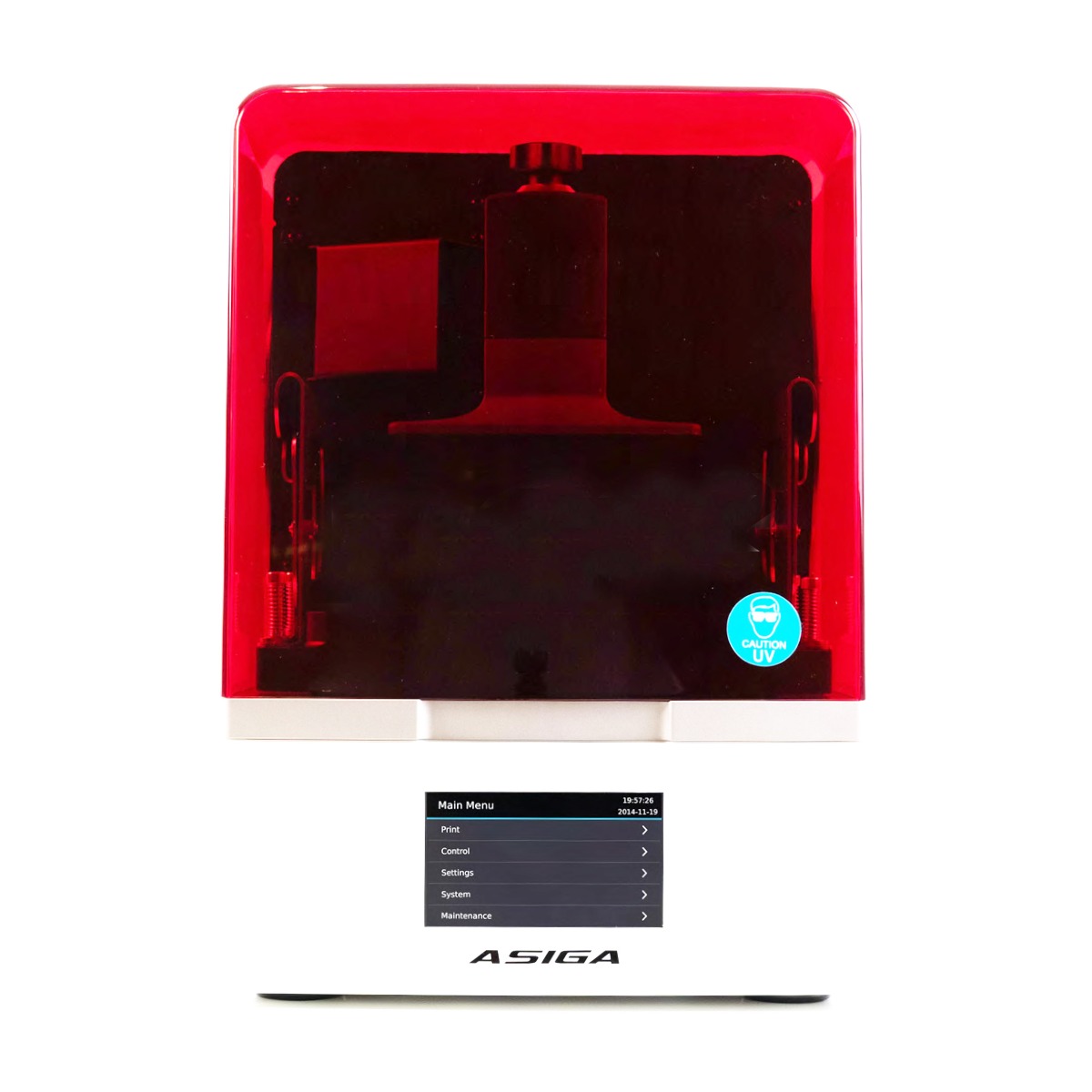
Asiga Max UV Dental 3D Printer
The Asiga Max UV Dental 3D Printer, with a compact footprint, precise 385nm UV LED, and unlimited support, revolutionizes dental and medical manufacturing
Enter pincode to verify fast clinic delivery & dispatch speed.
Key Highlights
Description
The Asiga Max UV Dental 3D Printer is a game-changer in the world of dental and medical device manufacturing. Designed with precision and reliability in mind, this cutting-edge 3D printer ensures consistent and high-quality output for a wide range of applications. With a compact footprint, it offers impressive volume output, making it ideal for dental labs, audiology centers, and medical modeling where precision and patient safety are paramount.
At the heart of the Asiga Max UV is its globally proven layer formation technology, which guarantees exceptional consistency and performance. Every layer is carefully monitored during the printing process to eliminate variability and ensure accuracy. The Asiga SPS™ technology provides real-time feedback, ensuring that your build platform is always in the right position for each layer, guaranteeing Z-height precision.
One of the standout features of the Asiga Max UV is its use of a 385nm high-power UV LED, which accelerates material curing and allows for super-fine detailing and the processing of water-clear materials. This versatility is further enhanced by the open material system, allowing you to use industry-leading materials for a variety of applications.
Operating the Asiga Max UV is a breeze, thanks to its intuitive and customer-driven printer interface design. The included Asiga Composer software simplifies build preparation and comes with lifetime updates. Plus, with rapid material change-over and unlimited lifetime technical support, you can keep your workflow smooth and efficient.
Key Features
- High-performance engine for faster processing.
- Enhanced security measures to protect your data.
- User-friendly interface for easy navigation.
- Seamless integration with popular software applications.
- Robust compatibility with various operating systems and devices.
Specifications
- Build Volume X, Y, Z: 119 × 67 × 75mm 4.69 × 2.64 × 2.95 inches
- Pixel Resolution: Pixel Resolution: 62µm
- Technology: DLP (Digital Light Processing)
- LED Wavelength: 385nm (high power UV LED) or 405nm
- Material Compatibility: Asiga materials, 100% Open Material System (compatible with third-party materials)
- Software: Asiga Composer software with lifetime updates included
- File Inputs: STL, SLC, PLY, STM (Asiga Stomp file format)
- Network Compatibility: Wifi, Wireless Direct, Ethernet
- Power Requirements: 100 to 240 VAC, 50/60 Hz, ≤2 Amps
- System Sizing: 260 × 385 × 370mm / 19.3 kg (10.2 × 15.2 × 14.5 inches / 42.6 lb)
- Technical Support: Unlimited lifetime technical support included
- Bundle Includes: 3D printer, Composer software, 1 kg Asiga material, 1L build tray, Asiga Flash post-curing chamber, calibration toolkit
- LED Options: Available with 385nm, 365nm, or 405nm LED for material curing
- Material Versatility: Access to over 500 materials in Asiga’s Open Material System
Packaging
- 3D printe
- Composer software
- 1Kg Asiga material
- 1L build tray
- Asiga Flash post-curing chamber
- Calibration toolkit
Directions for Use
Prepare the Workspace:
- Ensure you have a clean and well-ventilated workspace.
- Place the printer on a stable and level surface.
- Ensure proper ventilation if working with resin materials.
Power and Connectivity:
- Connect the printer to a power source using the provided power cable.
- Connect to the printer using either Wi-Fi, Wireless Direct, or Ethernet, depending on your preference and network setup.
Material Setup:
- Load the desired printing material into the printer’s material reservoir.
- Ensure the material reservoir is securely in place.
Calibration:
- Use the calibration toolkit provided to ensure the build platform is level and at the correct height.
- Follow the printer’s calibration instructions to ensure precise layer formation.
Software Setup:
- Launch the Asiga Composer software on your computer.
- Import or create your 3D model in supported file formats (STL, SLC, PLY, or STM).
- Use the software to prepare your model for printing, including adjusting settings like layer thickness and support structures.
Printing:
- Send the prepared 3D model to the Asiga Max UV printer through the software.
- Start the printing process.
- The printer will use its DLP technology and UV LED to cure each layer of the model.
- Monitor the print progress through the software or the printer’s display if available.
Post-Processing:
- Once the print is complete, carefully remove the printed object from the build platform.
- Depending on the material used, post-curing may be required. If so, use the provided Asiga Flash post-curing chamber.
- Follow the recommended post-curing settings for your specific material.
Warranty & Service
- Manufacturer/Importer warranty of 1 year as applicable for this product.
- Service and Warranty are handled by the manufacturer/importer directly for this product .
- Dentalkart will not be liable to replace the Products and the liability to replace any such Product is that of the Manufacturer/Importer.
- Dentalkart and the Buyer acknowledge that the Products purchased/used are the subject matter of the original Manufacturer/Importer €™s warranties only.
- Any or all claims in relation to returns and replacement shall be made to the concerned Manufacturer/Importer only and Dentalkart may assist the customer in registering a request to get the Product replaced or serviced.
- The Buyer acknowledges that the Products once sold will not be exchanged or taken back unless the seal of the package or the Product is intact or not altered in any manner or is not tampered with as the case may be.
Package Contents
Standard clinic packaging: 1 x Asiga Max UV Dental 3D Printer (Factory sealed box)
For detailed package breakdowns or bulk master-carton counts, contact our wholesale desk.
| Brand | Asiga |
|---|---|
| Category | Laboratory |
| SKU Code | ASIXX00100 |
| Availability | In Stock (Ready for Dispatch) |
| Product Type | Dental Clinic & Hospital Supply |
Clinical Instructions
- Inspect the packaging seal before clinical application.
- Prepare the operative field following standard clinical isolation protocol.
- Apply according to manufacturer directions and standard restorative technique.
- Dispose of single-use items in bio-medical waste according to healthcare regulations.
Warranty & Return Policy
- 100% Genuine Guarantee: All items are procured directly from verified brand manufacturers & authorized distributors.
- 10-Day Replacement Window: Eligible for return or replacement if received damaged, defective or with broken seal.
- Manufacturer Warranty: Standard warranty applicable according to brand terms.
DentaHaus Benefits
100% Genuine Products
Direct supply from verified dental manufacturers
Best Wholesale Price
Special tiered pricing for clinics & doctors
Fast Pan-India Delivery
Express shipping across all PIN codes
GST Invoice Available
Claim input tax credit on all purchases
Questions & Answers
Get answers from dental experts and verified practitioners
What are the main clinical advantages of Asiga Max UV Dental 3D Printer?
Key clinical advantages include ergonomic handling, reliable dimensional stability, compatibility with all standard restorative dental materials, and excellent clinical comfort for patients.
Payment Options
Ratings & Reviews
Verified feedback from practicing dentists & clinics
The material and handling consistency is top-notch. Our clinic orders in bulk batches and we get predictable, durable patient results every single time.
Very convenient product for everyday restorative and clinical procedures. The wholesale 10+ discount saves us substantial clinic supply overhead.
Recommended Products
Still exploring? These dental supplies might fit your clinic needs
Scheu Skin packaging 100/pk – 3206
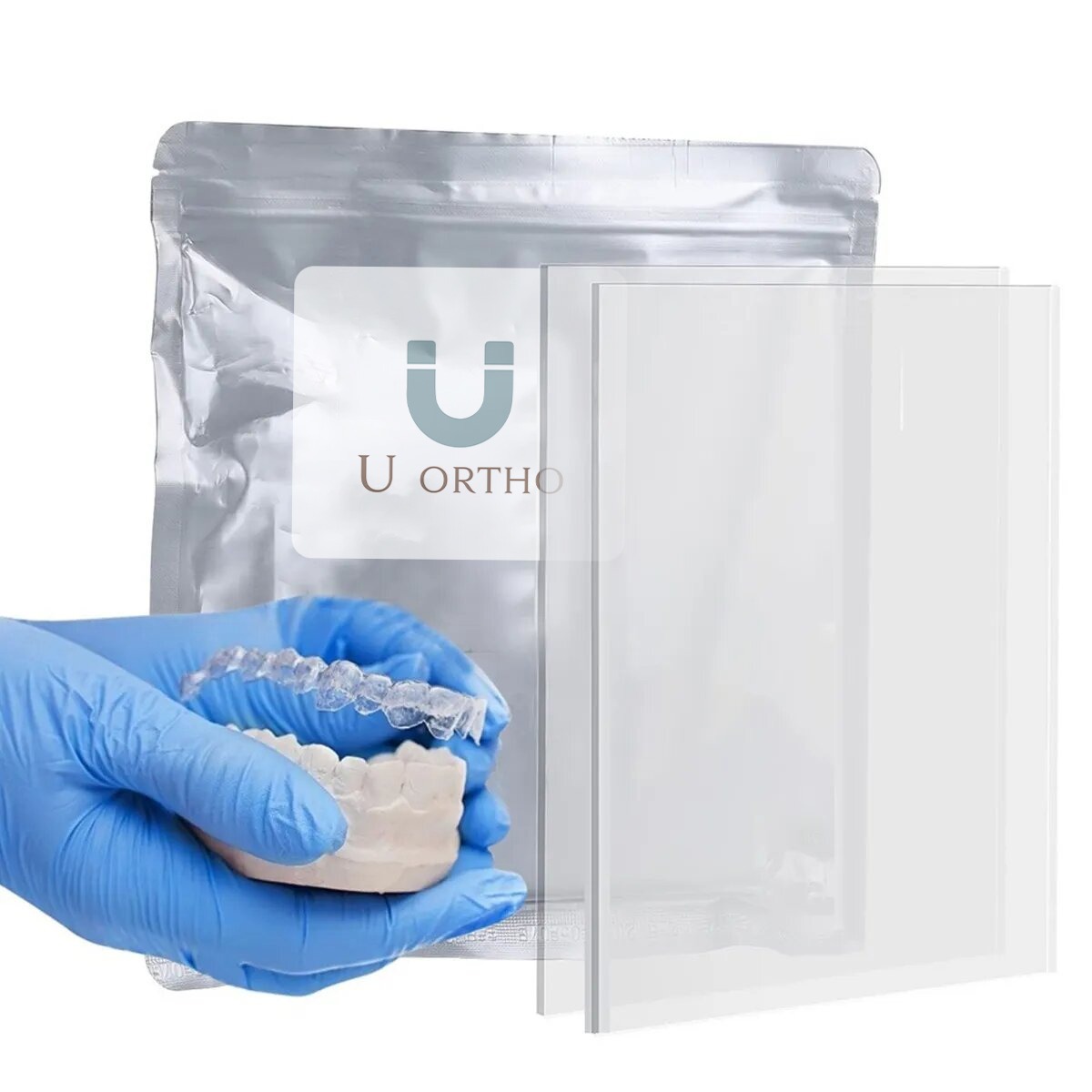
U Ortho Vacuum Forming Bleaching Sheets – Soft (Square 1.5mm)
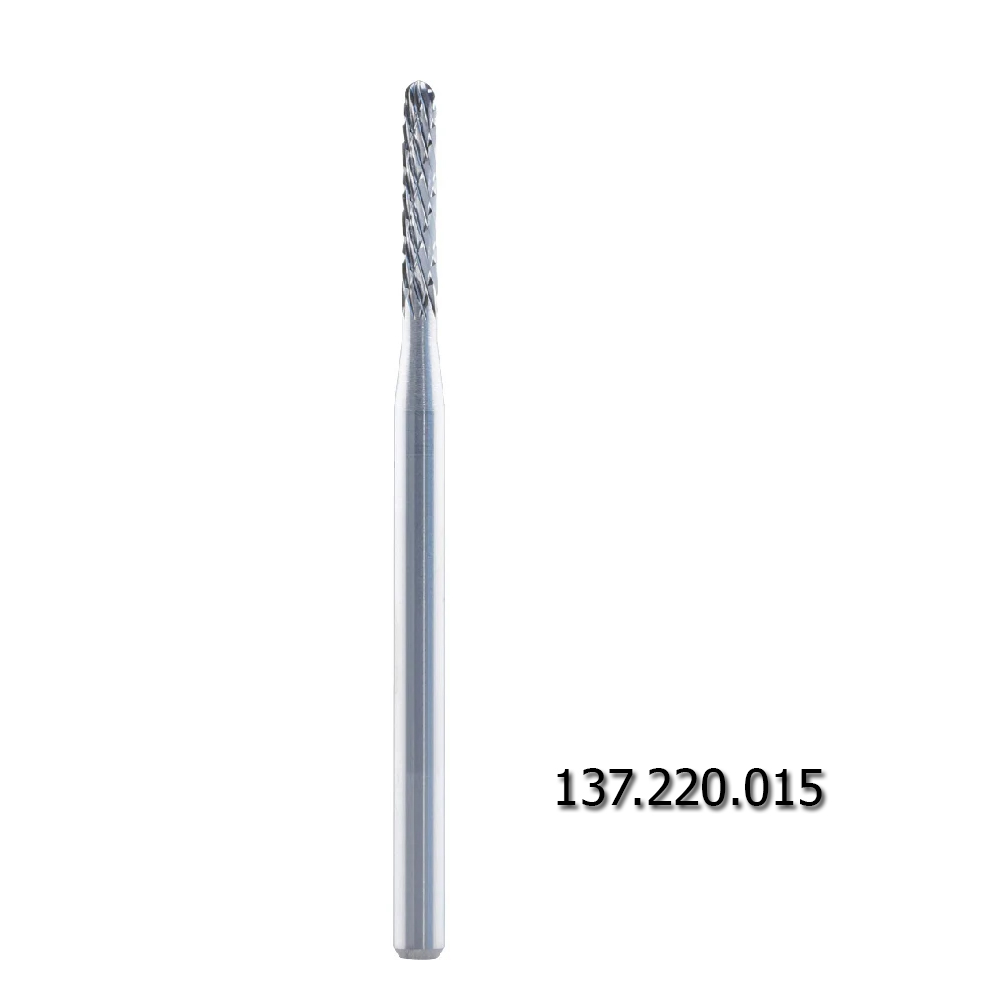
Labodent Milling Instrument- Crosss Cut Coarse (137.220.015)
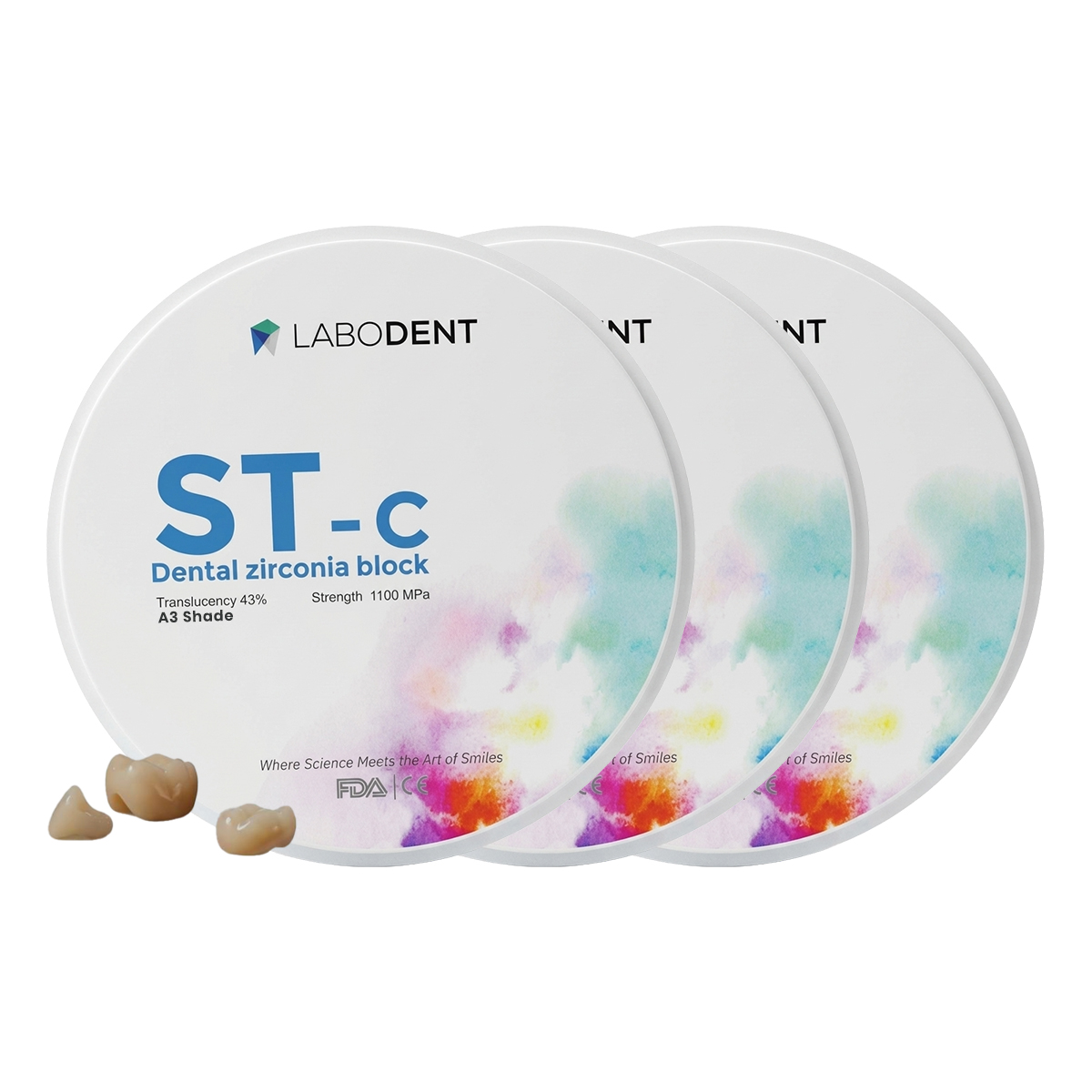
Labodent Zirconia Ceramic Blank ST-C | A3 Shade | 14mm | Pre-Shaded CAD/CAM Disc
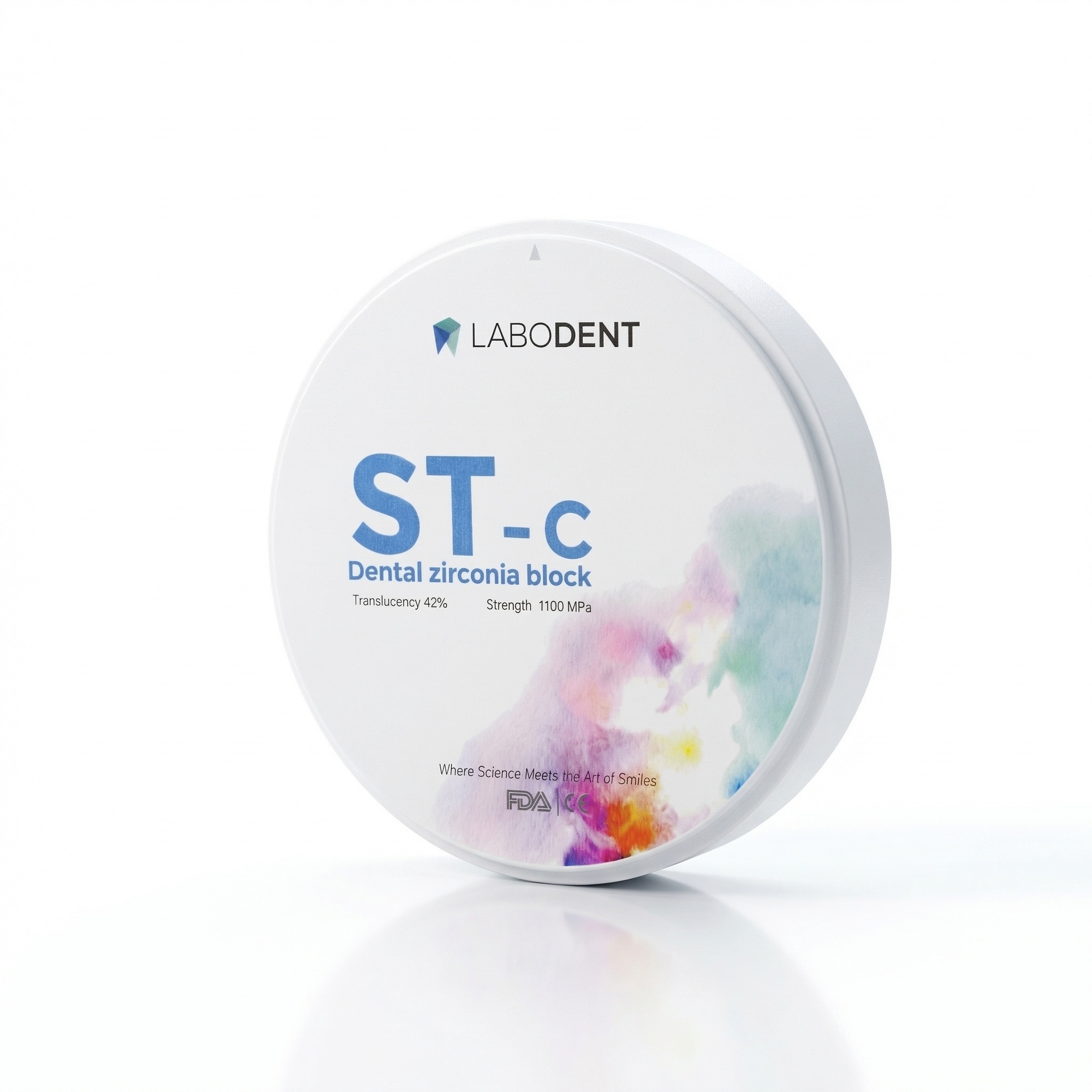
Labodent Zirconia Ceramic Blank ST-C | A2 Shade | 18mm | Pre-Shaded CAD/CAM Disc
Labodent Zirconia Ceramic Blank ST-C | A3.5 Shade | 12mm | Pre-Shaded CAD/CAM Disc